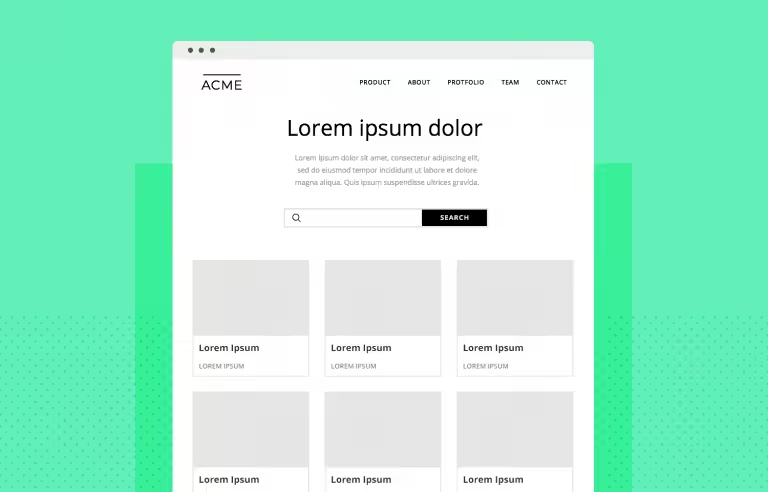
Planning a website without a wireframe is like building a house without a blueprint.
- Things get messy fast.
- Pages feel confusing.
- Sections appear in the wrong place.
- And users struggle to find what they need.
That is why designers use wireframes and prototypes. They help map out how a website will look and work before the real design starts.
But choosing the right tool can be confusing. There are many options, and each one works a little differently.
In this blog post, you will discover the best tools for website wireframes and prototypes in 2026.
This list will help you understand what each tool does, how it works, and which one fits your workflow best.
Let’s get into it…
In this article
1. Figma
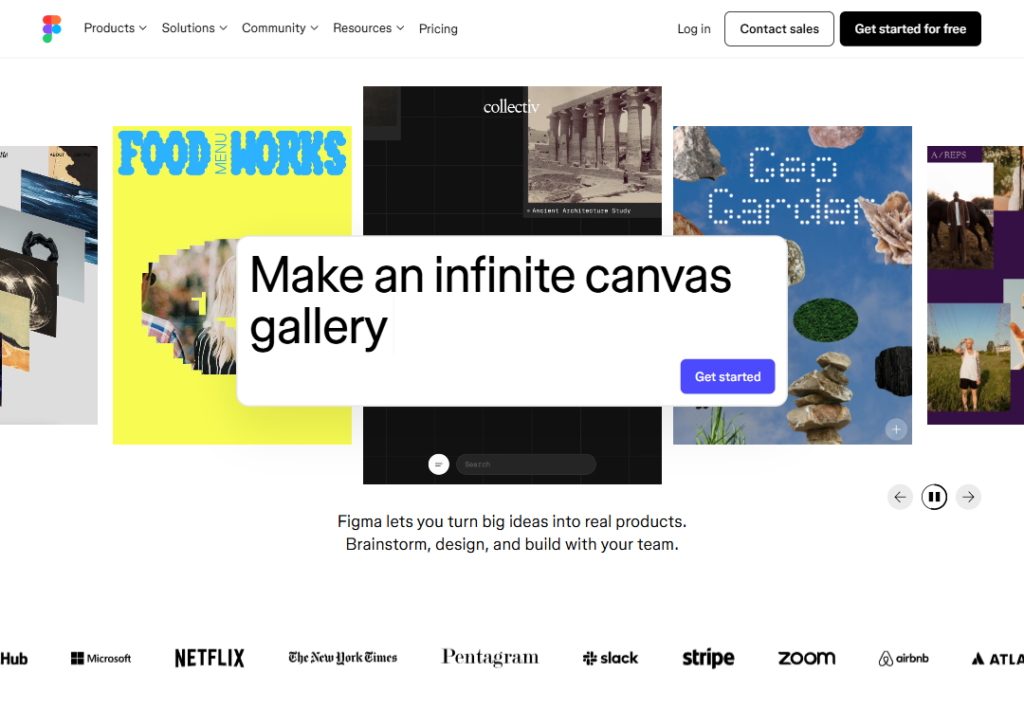
Figma is one of the most popular tools for designing websites and apps.
Think of it like a digital whiteboard where designers can draw website layouts, create wireframes, and build clickable prototypes.
The special thing about Figma is that it works in your browser, so you don’t need to install anything.
Multiple people can work on the same design at the same time, just like editing a Google Doc together. This makes it easy for designers, developers, and clients to collaborate and give feedback quickly.
Many companies use Figma because it makes teamwork very easy. It also allows you to share a link to your design so others can view or comment without downloading the file.
Pros
- Works directly in the browser
- Real-time collaboration with team members
- Free plan available
- Easy to share designs with links
- Large community and many templates
Cons
- Can be slow with very large projects
- Advanced features require paid plans
- Requires internet connection
Pricing
- Free starter plan
- Professional: about $16 per editor/month
- Organization: about $55/month
- Enterprise: $90/month
Best for: Startups, agencies, and teams that need to collaborate on design projects.
2. UXPin
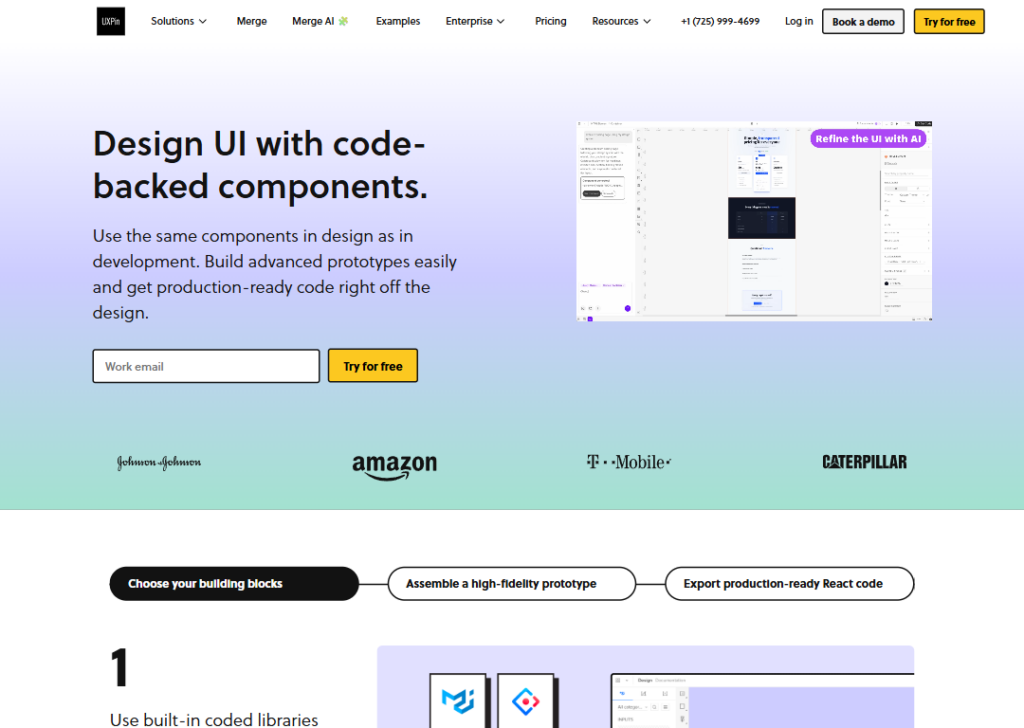
UXPin is a powerful design and prototyping tool used for building interactive website and app layouts.
Unlike simple wireframe tools, UXPin allows you to create designs that behave almost like a real product.
For example, you can create buttons, forms, animations, and interactions inside your prototype. This helps teams test ideas before developers start coding.
UXPin also supports design systems, which means teams can reuse the same design components across many projects. The platform runs in a browser, so teams can collaborate online and share prototypes easily.
Many companies use UXPin when they want their prototypes to feel very realistic. It’s especially helpful when designers and developers need to work closely together, because UXPin helps bridge the gap between design and code.
Pros
- Creates very interactive prototypes
- Supports design systems
- Good collaboration features
- Helps designers and developers work together
Cons
- Slightly harder to learn for beginners
- More expensive than some tools
- Interface may feel complex at first
Pricing
- Free limited plan
- Core plan: around $29/month
- Growth plan: around $40/month
- Enterprise: custom pricing
Best for: Large design teams and companies building complex digital products.
3. Justinmind
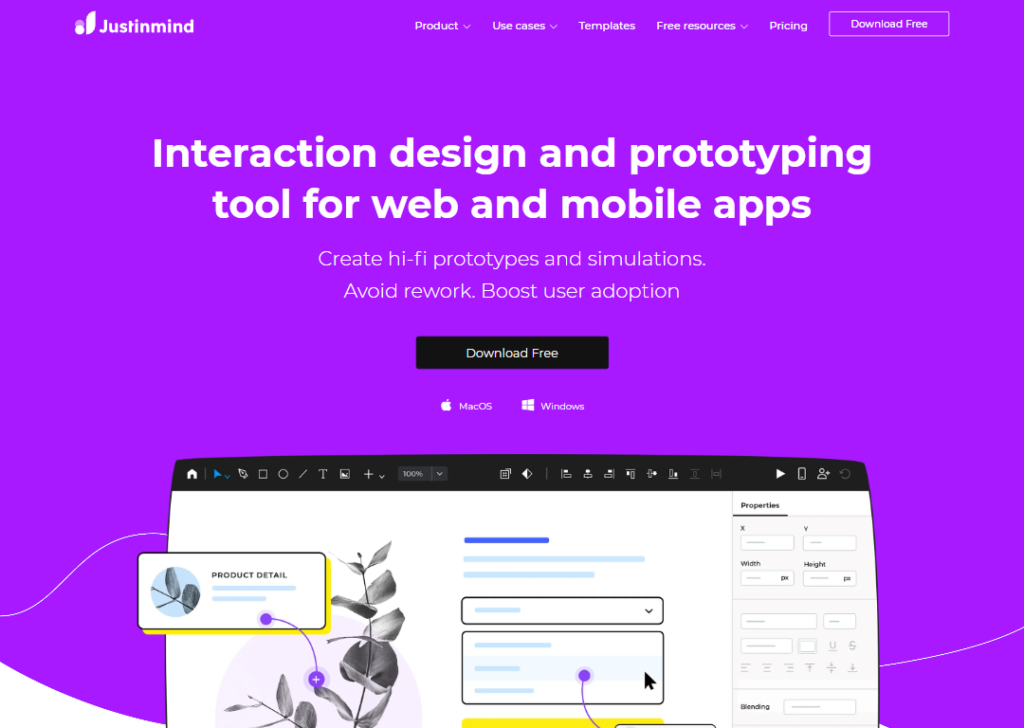
Justinmind is a prototyping tool that helps designers create interactive wireframes for websites and mobile apps.
It allows you to design screens and connect them together so people can click through the prototype like a real product. This helps teams test ideas early before development begins.
Justinmind includes a large library of UI elements like buttons, forms, menus, and icons. You can drag these elements into your design instead of creating everything from scratch.
Another helpful feature is collaboration… multiple team members can work on the same prototype and leave feedback.
The tool works on Windows, Mac, and in the browser. Because it supports advanced interactions like animations and gestures, Justinmind can create prototypes that look very close to the final product.
Pros
- Strong prototyping features
- Large library of UI components
- Supports web and mobile design
- Allows team collaboration
Cons
- Interface may feel outdated
- Can take time to learn
- Advanced features require paid plans
Pricing
- Free plan available
- Standard: $19/month
- Professional: $29/month
- Enterprise: $59/month
Best for: Designers who want detailed interactive prototypes for websites and mobile apps.
4. Adobe XD
Adobe XD is a design and prototyping tool created by Adobe.
It allows designers to create wireframes, UI designs, and clickable prototypes for websites and mobile apps.
You can design screens and then connect them with interactions so users can experience how the product will work.
Adobe XD integrates well with other Adobe tools like Photoshop and Illustrator, which is helpful for designers who already use Adobe products.
The tool also supports animations, transitions, and voice interactions. Teams can share prototype links with clients or teammates to collect feedback.
However, Adobe has reduced its focus on XD in recent years, and it is now mainly available as part of the Adobe Creative Cloud bundle rather than a standalone product.
Pros
- Good integration with Adobe tools
- Supports interactive prototypes
- Clean interface
- Works on Windows and Mac
Cons
- Development updates have slowed
- Only available through Creative Cloud
- Smaller community compared to Figma
Pricing
- Included in Adobe Creative Cloud
- Creative Cloud All Apps plan: $69.99/month
Best for: Designers who already use Adobe products.
5. Sketch
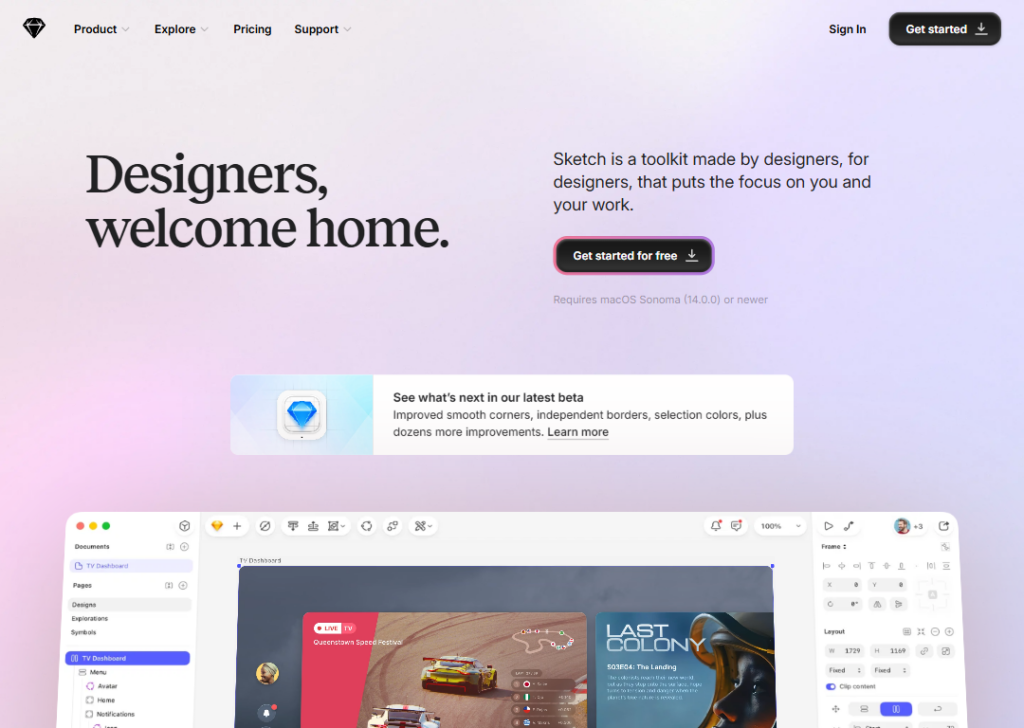
Sketch is a popular design tool used mainly for creating user interfaces for websites and mobile apps.
It allows designers to create wireframes, layouts, and interactive prototypes.
The tool is known for its clean interface and strong vector design features, which make it easy to create precise UI elements. Sketch also has a large plugin ecosystem, meaning you can install extra tools that add more features.
Designers often use Sketch to create detailed UI designs before building prototypes.
One important thing to know is that Sketch only works on Mac computers. This means Windows users cannot run it directly.
Despite this limitation, Sketch has been widely used in the design industry for many years and still has a large community of designers.
Pros
- Clean and focused design interface
- Strong vector design tools
- Large plugin ecosystem
- Popular among UI designers
Cons
- Only works on Mac
- Collaboration features are weaker than Figma
- Requires paid license
Pricing
- Standard: about €11/month
- Business: about €22/month
- Enterprise: about €44/month
Best for: Mac users who focus heavily on UI design.
6. MockFlow
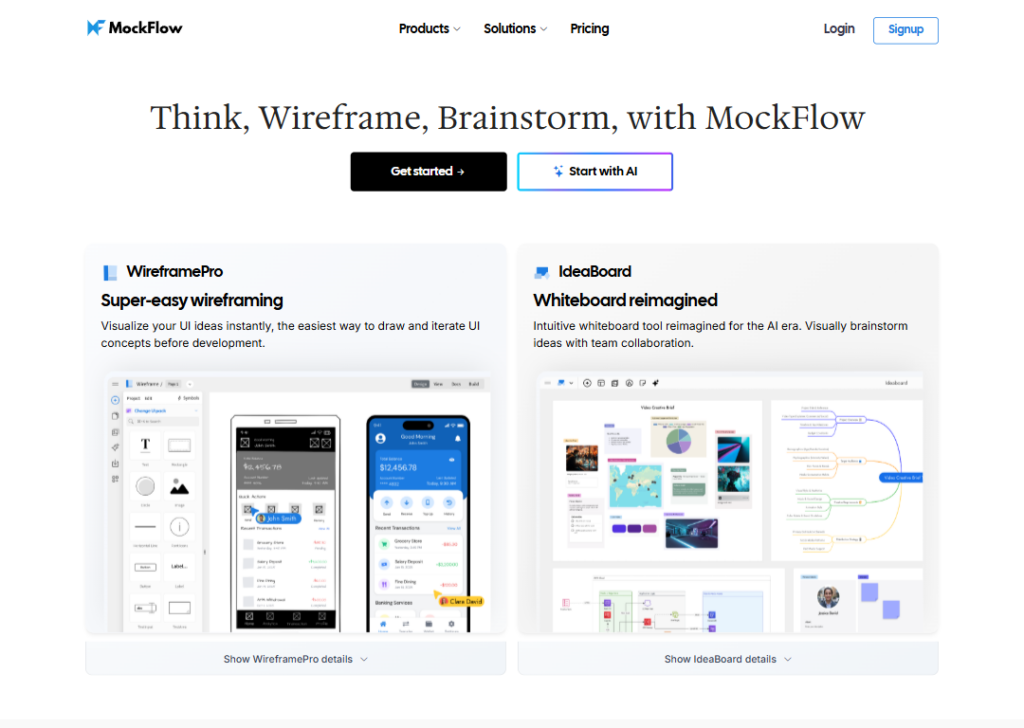
MockFlow is a simple online tool used to create wireframes and prototypes for websites and apps.
It focuses mainly on early design ideas, helping designers sketch page layouts quickly.
The interface is easy to understand, so beginners can start creating wireframes without much training.
MockFlow includes built-in UI components like buttons, navigation bars, forms, and content blocks. You can drag these elements into your design to build page layouts fast.
The platform also supports team collaboration, allowing designers to share projects and collect feedback.
Because MockFlow focuses on quick wireframing instead of complex design, it is often used during the early planning stage of a project. This helps teams visualize the structure of a website before moving to detailed UI design.
Pros
- Easy for beginners
- Good for quick wireframes
- Built-in UI component library
- Online collaboration
Cons
- Limited advanced prototyping features
- Designs may look basic
- Not ideal for high-fidelity UI design
Pricing
- Basic: free plan
- WireframePro: $14/month
- IdeaBoard: $7/month
- Bundle plan: $17/month
Best for: Beginners and teams that want to create quick website wireframes.
7. Wireframe.cc
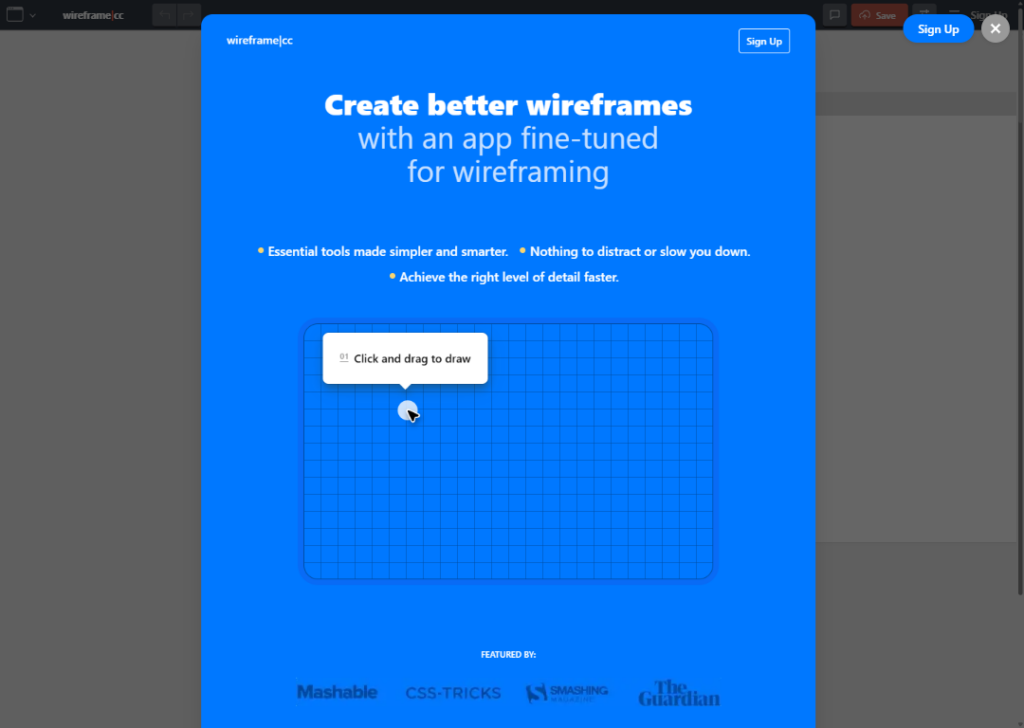
Wireframe.cc is a very simple tool designed mainly for creating website wireframes quickly.
Unlike many design tools that have many buttons and options, Wireframe.cc keeps the interface very minimal.
When you open it, you see a blank canvas where you can draw layout elements by dragging your mouse. After drawing a box, you choose what it represents, like a text block, image, or menu.
This makes it easy to focus on the structure of a page instead of worrying about colors and design details.
The tool also lets you link pages together to create basic clickable prototypes.
Wireframe.cc works directly in the browser, so you don’t need to install software. It is commonly used during the early stage of website planning when designers just want to sketch ideas quickly.
Pros
- Very simple interface
- Quick wireframe creation
- Works in a browser
- No complex design tools
Cons
- Limited design features
- Not good for detailed UI design
- Collaboration tools are basic
Pricing
- Free version available
- Paid plan: From $9/month
Best for: Designers who want a fast and distraction-free way to sketch website layouts.
8. Cacoo
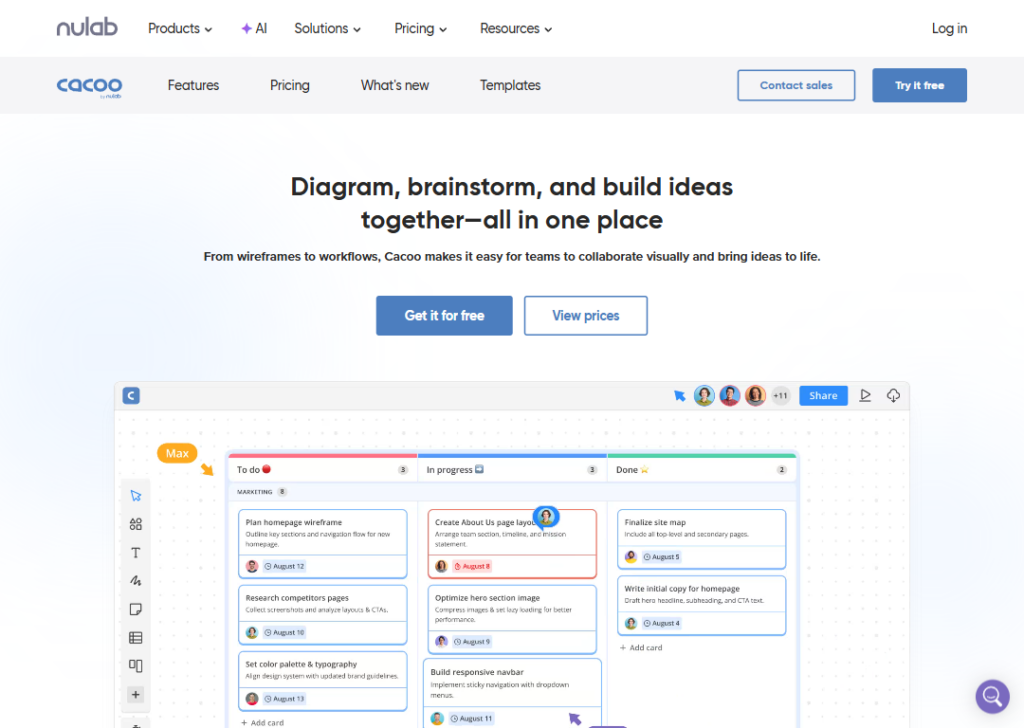
Cacoo is an online diagram tool that can also be used to create website wireframes.
It works like a shared digital whiteboard where teams can build diagrams, wireframes, and flowcharts together.
One of the biggest advantages of Cacoo is collaboration. Multiple people can edit the same project in real time, leave comments, and even chat inside the tool.
It also has many templates and shapes that help users create wireframes faster.
Besides wireframes, Cacoo is alsoused for creating system diagrams, mind maps, and process charts.
Because everything works online, teams can access their designs from anywhere and share them easily. This makes it helpful for remote teams or companies working on projects together.
Pros
- Real-time team collaboration
- Many templates and shapes
- Easy to share diagrams
- Works in a browser
Cons
- Not focused only on UI design
- Limited advanced prototyping features
- Design tools are basic compared to Figma
Pricing
- Free plan available
- Pro plan: $6 per user/month
- Team plan: $6 per user/month
- Enterprise: custom pricing
Best for: Teams that want a simple tool for wireframes, diagrams, and collaboration.
9. FluidUI
FluidUI is a prototyping tool designed to help teams create interactive prototypes for websites and mobile apps.
It allows designers to quickly build layouts and connect screens together so people can click through the design like a real product.
One of its strengths is speed. FluidUI focuses on helping users create prototypes in minutes instead of spending hours designing.
The tool includes ready-made UI kits for platforms like iOS and Android, so designers can drag and drop elements into their layouts.
It also supports real-time collaboration, meaning team members can work on the same prototype at the same time.
Another useful feature is mobile testing. Designers can preview their prototypes on phones and tablets to see how the product will feel before development begins.
Pros
- Fast prototyping
- Built-in UI component libraries
- Real-time collaboration
- Mobile preview support
Cons
- Interface can feel outdated
- Limited advanced design features
- High-fidelity designs are harder to create
Pricing
- Free plan available
- Solo: $8.25/month
- Pro: $19.08/month
- Team: $41.58/month
Best for: Startups and teams that want to quickly create clickable prototypes.
10. InVision
InVision was once one of the most popular prototyping tools used by designers to turn static design screens into clickable prototypes.
Designers would upload their page designs and then add interactions such as clickable buttons, navigation links, and transitions. This made it easy to show clients how a website or app would work before development started.
InVision also included collaboration features where team members could comment directly on designs.
For many years, agencies used InVision to present design ideas to clients and collect feedback.
However, the company announced that its design collaboration services would be discontinued after 2024, as many teams moved to newer tools like Figma.
Pros
- Easy way to create clickable prototypes
- Good for client presentations
- Simple feedback and commenting system
Cons
- Limited design features
- Depends on external design tools
- Platform services discontinued after 2024
Pricing
- Previously offered free and paid plans
- Pricing varied depending on team size
Best for: Designers who previously needed a simple way to present prototypes to clients.
11. Mockplus
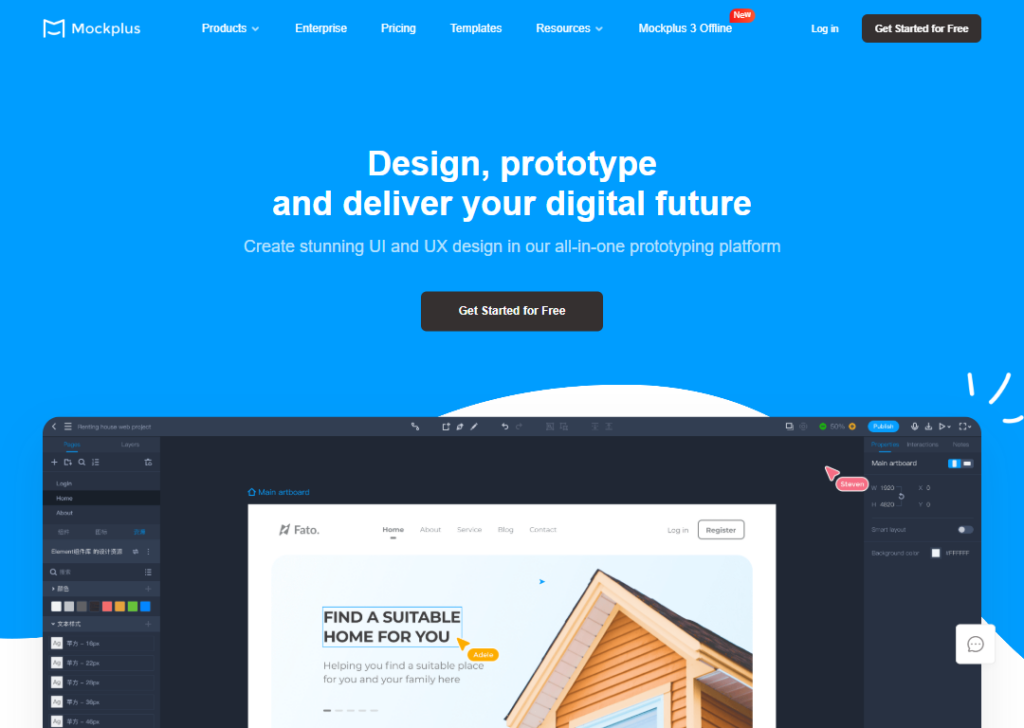
Mockplus is a prototyping tool that helps designers create wireframes, mockups, and interactive prototypes for websites and mobile apps.
The tool focuses on speed and simplicity. Instead of designing everything from scratch, users can drag and drop ready-made components like buttons, menus, icons, and form elements.
Mockplus also allows teams to collaborate by sharing prototypes online and leaving comments directly on designs.
Another helpful feature is design handoff. Developers can inspect the design and see measurements, colors, and assets needed to build the product. This reduces confusion between designers and developers.
Mockplus supports both individual designers and large teams working on complex projects.
Pros
- Drag-and-drop UI components
- Easy collaboration and feedback
- Helpful design handoff for developers
- Supports interactive prototypes
Cons
- Interface can feel crowded
- Advanced features require paid plans
- Smaller community compared to Figma
Pricing
- Free plan available
- Unlimited: $24.9/month
- Enterprise: Custom price
Best for: Design teams that want fast prototyping and easy developer handoff.
Wrapping up
A good website doesn’t start with colors or fancy design. It starts with a clear wireframe.
That simple layout helps you see how your pages, sections, and content will work before the real design begins.
The tools in this list can help you plan better websites and test ideas faster. But if you’d rather skip the learning curve, Block Agency can help.
We create clear wireframes for agency websites so you know exactly how your site should look and work before development starts.
If you’re planning a new agency website, we can help you map it out the right way.
Talk to us here: hey@blockagency.co
Frequently asked questions
What is a wireframe tool for websites?
A wireframe tool is software used to sketch the layout of a website page. It shows where things like menus, text, buttons, and images will go. It focuses on structure, not colors or styling. This helps teams plan the page before creating the full website design.
What is a prototype in web design?
A prototype is a clickable preview of a website or app design. It lets people move between pages and test how the site will work. Designers use prototypes to show clients and test ideas before developers start building the real website.
What is the difference between a wireframe and a prototype?
A wireframe shows the basic layout of a page. It focuses on structure and content placement. A prototype is more interactive. It allows people to click buttons and move between pages to see how the website will behave before development starts.
Which wireframe tool is best for beginners?
Wireframe.cc and MockFlow are good tools for beginners. They have simple interfaces and basic design elements. This makes it easy to sketch website layouts quickly without learning many complicated design features or tools.