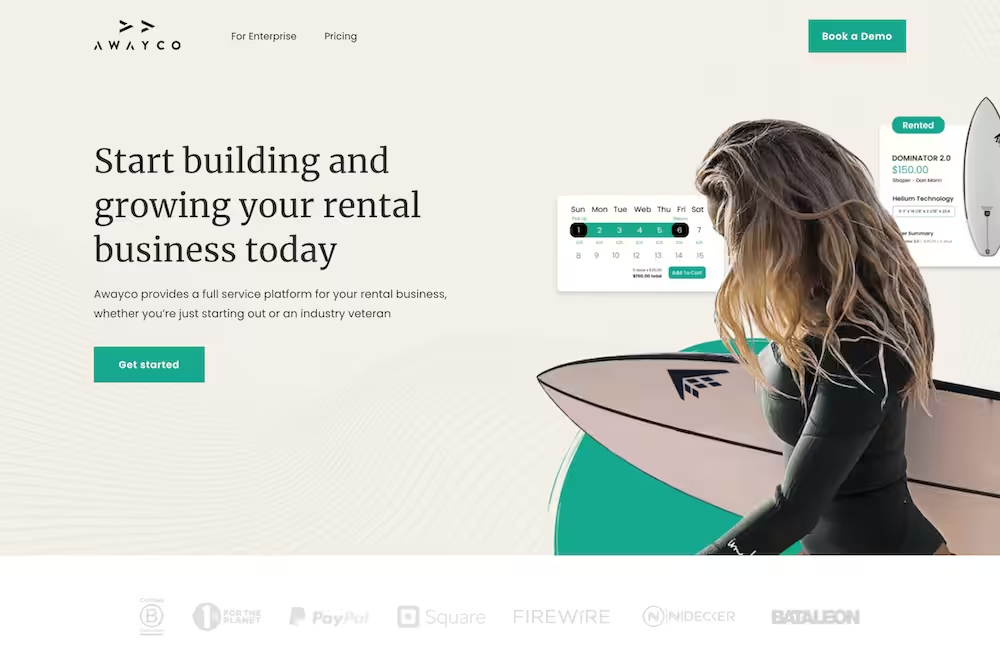
Your landing page is getting visitors, but not enough sign-ups, leads, or sales?
You want to know what to fix, what to say, and how to turn more clicks into action?
That is what good landing page copywriting is supposed to do.
If this stays unfixed, people will keep visiting your page, getting confused, and leaving without taking any step. That means lost leads, wasted traffic, and missed money.
In this post, you will learn 12 simple landing page copywriting tips that show how to write persuasive landing page copy, guide visitors, remove doubts, and make it easy for people to say yes.
Let’s get into it…
In this article
Tip 1: Lead with the outcome, not the product
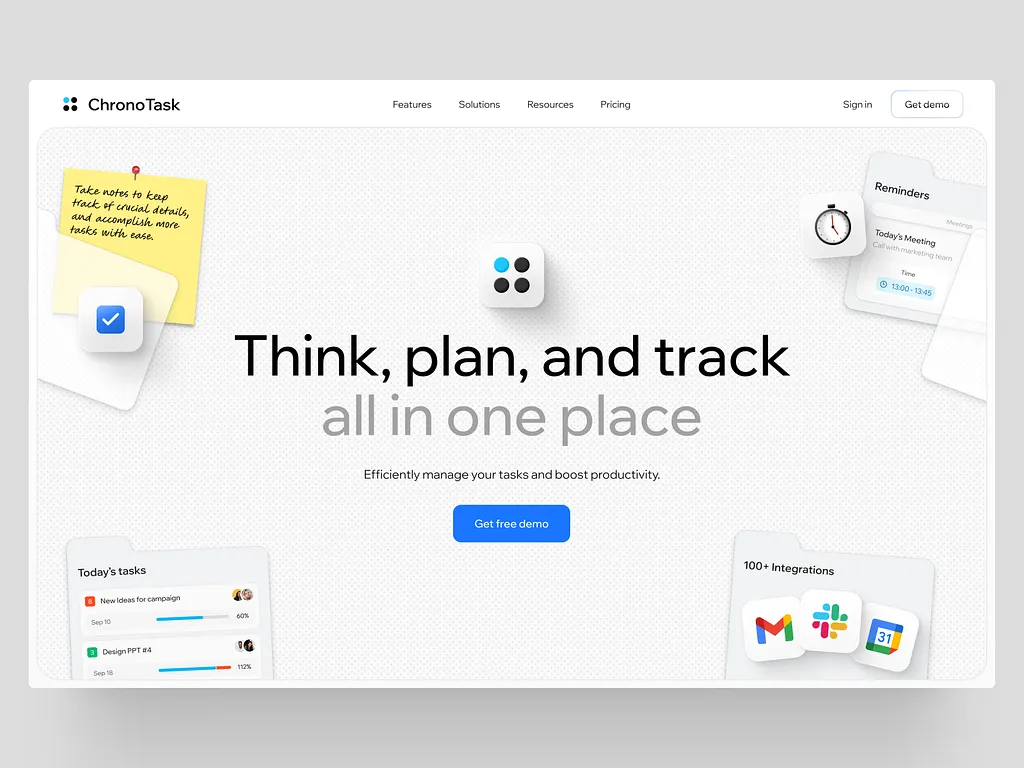
When people land on your landing page, they don’t care about your product name, features, or how long you worked on it. That’s not what’s on their mind. What they want to know is:
“What do I get out of this?”
So instead of starting with what you’re selling, start with what changes for them.
If your product helps people get more website traffic, don’t say, “An SEO Tool for Bloggers.” Say, “Get more people to find your website on Google.”
People think in results, not tools. They want less stress, more money, more time, or fewer problems. Your headline should promise that change clearly.
Once they feel, “Yes, this is what I want,” then they’ll care about how your product works. Outcome first. Product later.
Tip 2: Match your copy to the traffic source
Imagine you click an ad that says, “Get 50 blog ideas in 5 minutes.” You land on the page and the headline says, “Welcome to Our Content Platform.” Confusing, right?
You’ll likely leave.
That’s what happens when your landing page doesn’t match where people are coming from.
If your ad, tweet, or email says one thing, your landing page must continue the same message. Same promise. Same tone. Same problem.
People should feel like they never left the conversation. When the message changes suddenly, they start to doubt you. And once trust drops, conversions drop too. So always check this:
“What made them click?”
Then make sure the first thing they see on your landing page answers that exact reason.
Tip 3: One page = one goal
A landing page is not a full website. It’s not the place to show everything you do. It has one job:
Get the visitor to take one action.
When you add too many options, people get confused. And confused people don’t decide. They leave.
If you want them to download something, don’t also ask them to book a call, read three blog posts, and follow you on social media. Pick one goal and remove everything else.
- One offer.
- One main message.
- One clear button.
This makes the decision easy. You’re guiding them, not distracting them.
Think of it like a straight road. No turns. No side paths. Just one clear direction until they either say yes or no.
Tip 4: Write like you talk to one person

Most landing pages sound like they’re talking to a company, not a human.
Lines like “We help businesses leverage innovative solutions” feel cold and boring.
Instead, write like you’re talking to one person who has one clear problem. Use “you.” Talk directly to them. Make it feel personal.
Imagine your ideal reader sitting in front of you.
- What are they worried about?
- What frustrates them?
- What do they want to fix fast?
Your copy should sound like: “I know this problem. I get why it’s annoying. Here’s how this helps.”
When people feel seen and understood, they trust you more. And trust leads to action.
Simple words. Short sentences. Real talk. That’s what works.
Tip 5: Kill over-education
Many people think more explanation means more trust. But on landing pages, too much teaching can hurt conversions.
When you explain everything in detail, visitors go into “learning mode.” They start thinking, saving the page, or saying, “I’ll come back later.” And later usually means never.
Your goal is not to make them an expert. Your goal is to help them decide.
Explain just enough so they understand the problem, see the solution, and feel confident clicking the button. That’s it.
If they need full lessons, that can come after they sign up or buy.
Think clarity, not lectures. Simple answers. Clear direction. Make the next step feel obvious and easy.
Tip 6: Turn features into benefits
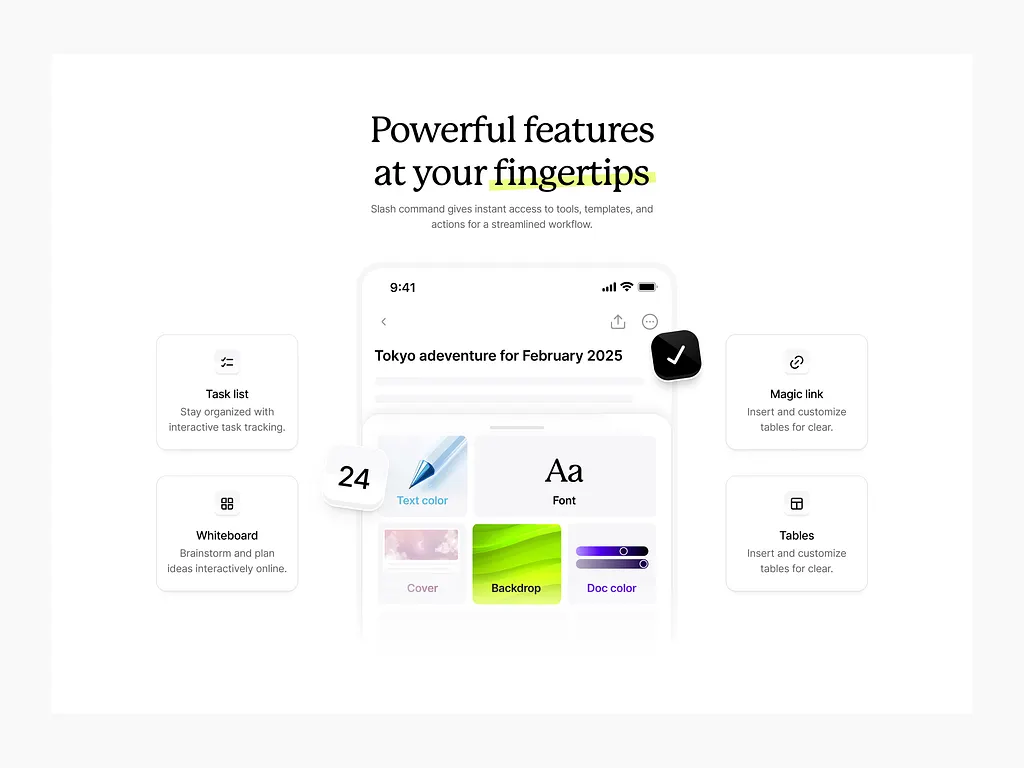
Features explain what your product does. Benefits explain why it matters to someone’s life.
For example, “Automatic reports” is a feature. But “Saves you hours every week” is a benefit.
People don’t buy features. They buy relief, comfort, confidence, and results. They want to know how your product makes their life better.
So every time you mention what your product does, ask yourself: “So what?”
- Does it save time?
- Reduce stress?
- Help them earn more?
- Avoid mistakes?
- Look smarter at work?
Say that. Make it clear. Make it human.
Tip 7: Use micro-CTAs before the big CTA
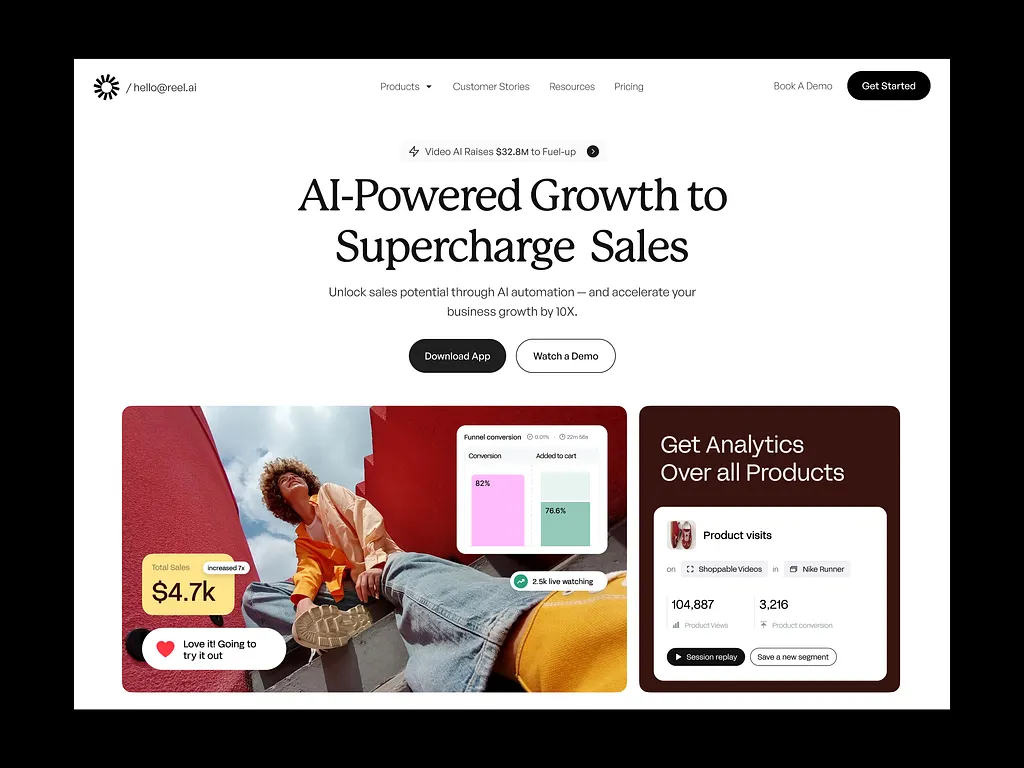
Not everyone is ready to buy or sign up immediately. Asking too fast can scare people away.
That’s where micro-CTAs help. These are small, low-pressure actions like:
- “See how it works”
- “View an example”
- “Check if this is for you”
These don’t feel like a big commitment. They help people ease into the decision. Once they take a small step, they feel more comfortable taking a bigger one later.
Think of it like warming up before exercise. You don’t start heavy. You build momentum.
Micro-CTAs guide people gently toward the main action instead of pushing them too hard.
Tip 8: Handle objections before they form
Visitors have doubts, even if they don’t say them out loud.
- “Is this too expensive?”
- “Will this work for me?”
- “Can I trust this?”
- “Do I have time for this?”
If you don’t answer these questions, they’ll answer them themselves… and usually in a negative way.
Good landing pages bring these doubts up and clear them.
- Explain who it’s for.
- Explain who it’s not for.
- Explain what results to expect.
When people feel their worries are understood and answered, they relax. And relaxed people make decisions faster.
Don’t ignore objections. Use your copy to remove them.
Tip 9: Make your CTA painfully clear
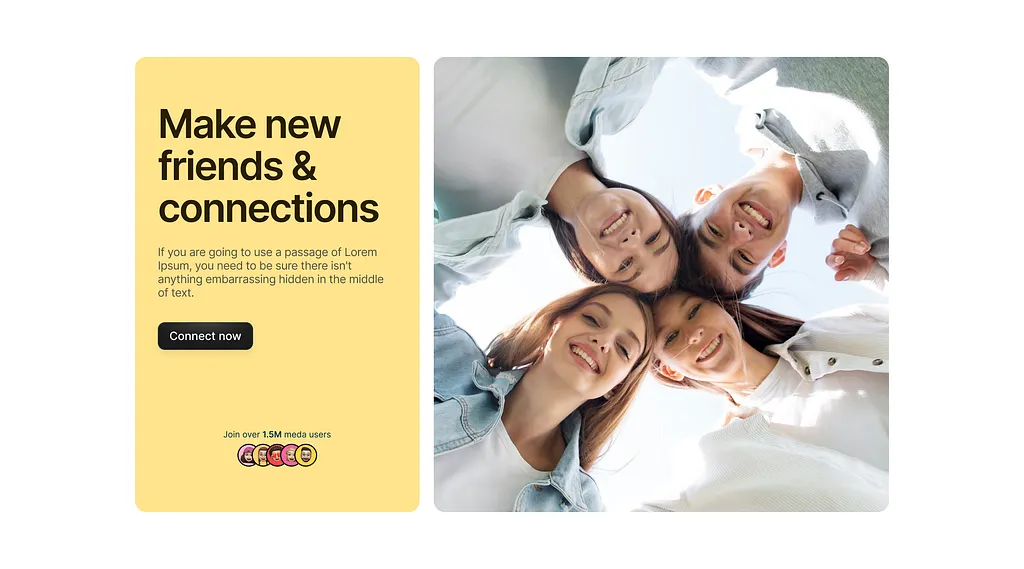
Your call-to-action button should tell people exactly what happens next. No clever words. No confusion.
- “Get the template”
- “Download the guide”
- “Book a free call”
These are clear. People know what they’re clicking for.
But vague buttons like “Get started” or “Start your journey” make people pause. Pause kills conversions.
Your CTA should feel safe and obvious. No guessing. No thinking.
If someone has to ask, “What happens if I click this?” then your CTA is weak. Clarity beats creativity every time on a landing page.
Tip 10: Use social proof that feels real
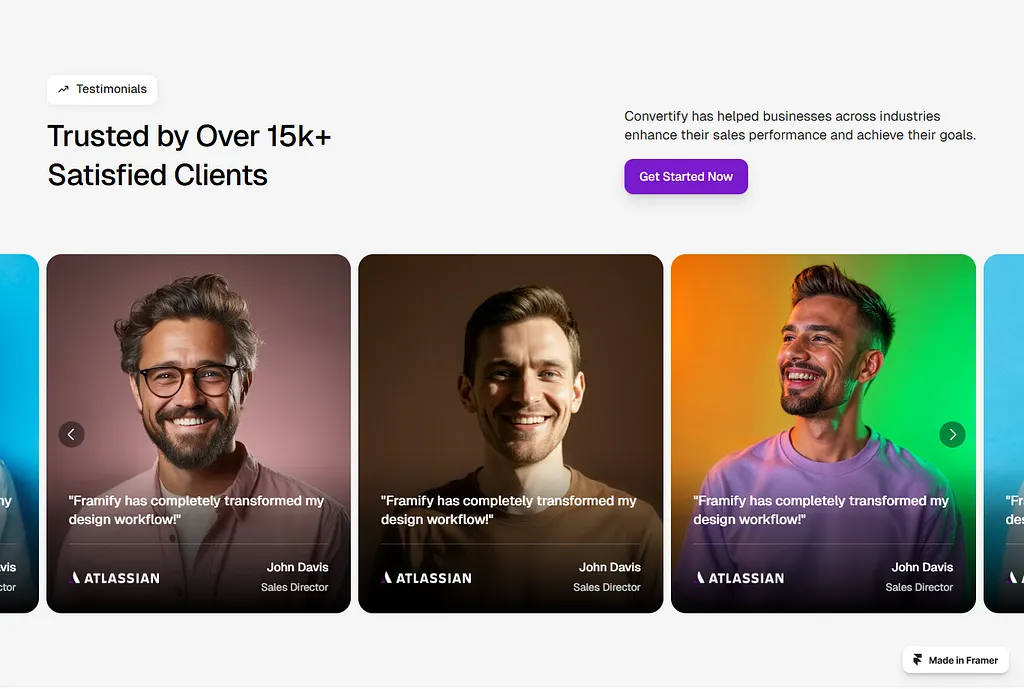
People trust people like them. Not big promises.
Instead of saying, “Thousands love this,” show proof that feels human and specific. Names. Numbers. Real results. Clear situations.
For example:
“This helped me write my first blog post in one day” or “I got my first client two weeks after using this”
Specific stories feel believable. Vague praise feels fake.
Social proof answers the silent question: “If it worked for them, maybe it can work for me too.”
That reassurance is powerful.
Tip 11: Reduce friction, not just add persuasion
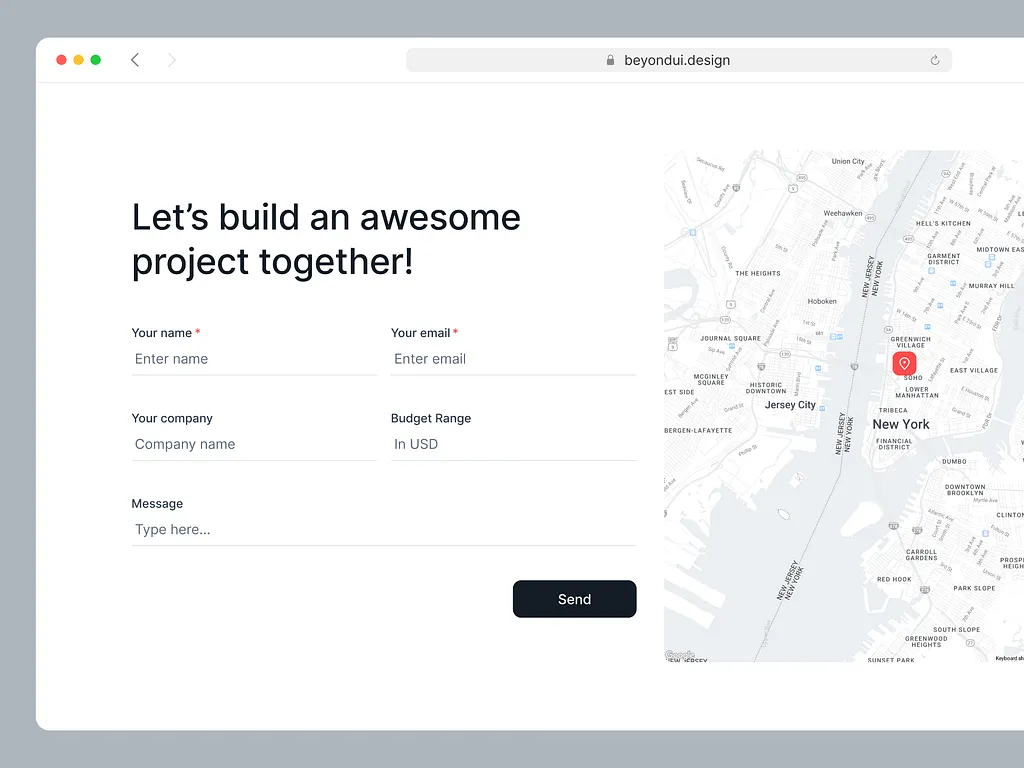
Sometimes people don’t convert because it feels like too much work. Not because they’re not interested.
Long forms. Too many steps. Too many fields. All these create friction.
- If you can ask for fewer details, do it.
- If you can make steps clearer, do it.
- If you can shorten the process, do it.
Even small changes can increase conversions.
Less effort feels safer. Easier actions feel doable.
Before adding more copy to convince people, first remove anything that slows them down.
Tip 12: End sections with a reason to act now
People delay decisions when there’s no reason to act today. They think, “I’ll come back later.”
You don’t need fake scarcity to fix this. You just need a clear reason why waiting isn’t helpful.
It could be missing out on results, losing time, or staying stuck with the same problem.
For example: “Every week you wait is another week without results.”
This creates momentum. It reminds people that doing nothing also has a cost.
A good landing page gently pushes people forward, without pressure, but with purpose.
Wrapping up
At the end of the day, landing pages don’t fail because people are lazy. They fail because the message is unclear or confusing.
When your copy is simple, focused, and human, people know what to do next.
If you run an agency and you don’t want to figure all this out alone for your client’s project, Block Agency can help.
We write and design high-converting landing pages for agencies as a white-label service, so you can serve clients better without extra stress.
Talk to us here: hey@blockagency.co
Frequently asked questions
What makes a good landing page headline?
A good landing page headline focuses on the result the visitor wants. It clearly explains what will change for them. Simple words work best. The headline should answer the question, “What do I gain from this?” within seconds.
What are common landing page copy mistakes?
Common mistakes include using big words, explaining too much, adding many offers, and unclear calls to action. These mistakes confuse visitors and reduce trust. Simple language, one goal, and clear direction help improve conversions.
How long should landing page copy be?
Landing page copy should be as long as needed, but no longer. It should explain the problem, show the solution, handle doubts, and guide action. Too much writing can distract visitors. Too little writing can cause confusion and low trust.