If you’re planning to launch a website in 2026, you’re likely looking for a clear website launch checklist that shows exactly what to check before and after going live.
Skipping these checks often leads to…
- Broken pages
- Slow loading
- Lost email messages
- And users leaving without taking action
This guide walks through a simple website QA checklist that helps prevent those mistakes.
You’ll learn what to test before launch, what to watch after launch, and how to make sure your website works well for real users, real devices, and search engines from day one.
Let’s get into it…
In this article
Pre-launch website checklist
Launching a website is like opening a new store.
Before you open the doors, you don’t just pray and hope everything works.
- You check the lights.
- You test the door.
- You make sure customers can find the counter.
- You confirm money can be paid.
This checklist is that final walk-through before people start visiting your site.
Let’s go step by step.
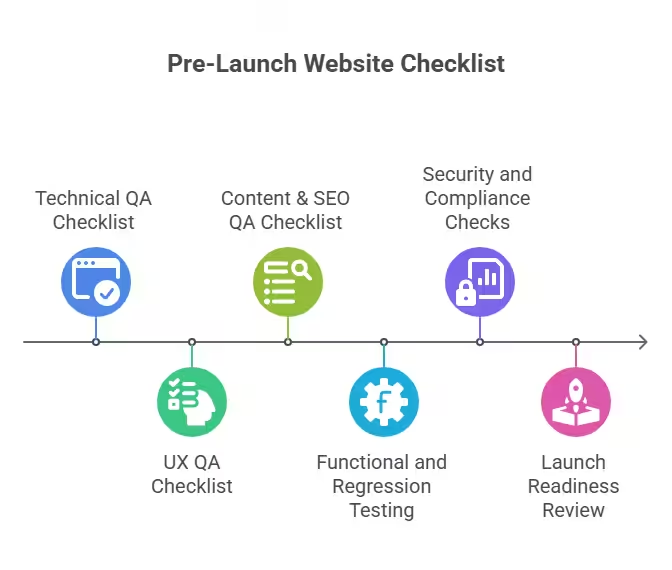
1. Technical QA checklist
(This is about “Does the website work properly?”)
Think of technical QA checklist as checking the engine of a car before driving it.
Here are what to check:
I. Cross-browser compatibility testing
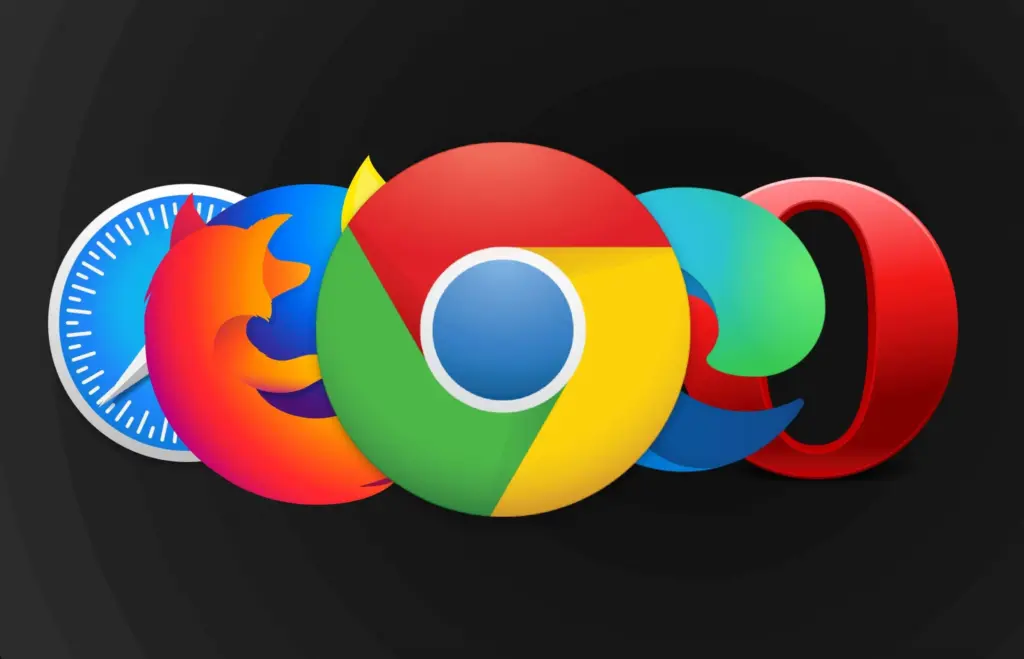
Does your website work on all popular browsers?
People don’t all use the same browser. Some use:
- Chrome
- Safari
- Firefox
- Edge
This check makes sure the site does not break on one browser. Buttons still click and pages still load.
Why this check matters:
If your site works on Chrome but breaks on Safari, you lose users without knowing why.
II. Mobile and tablet responsiveness
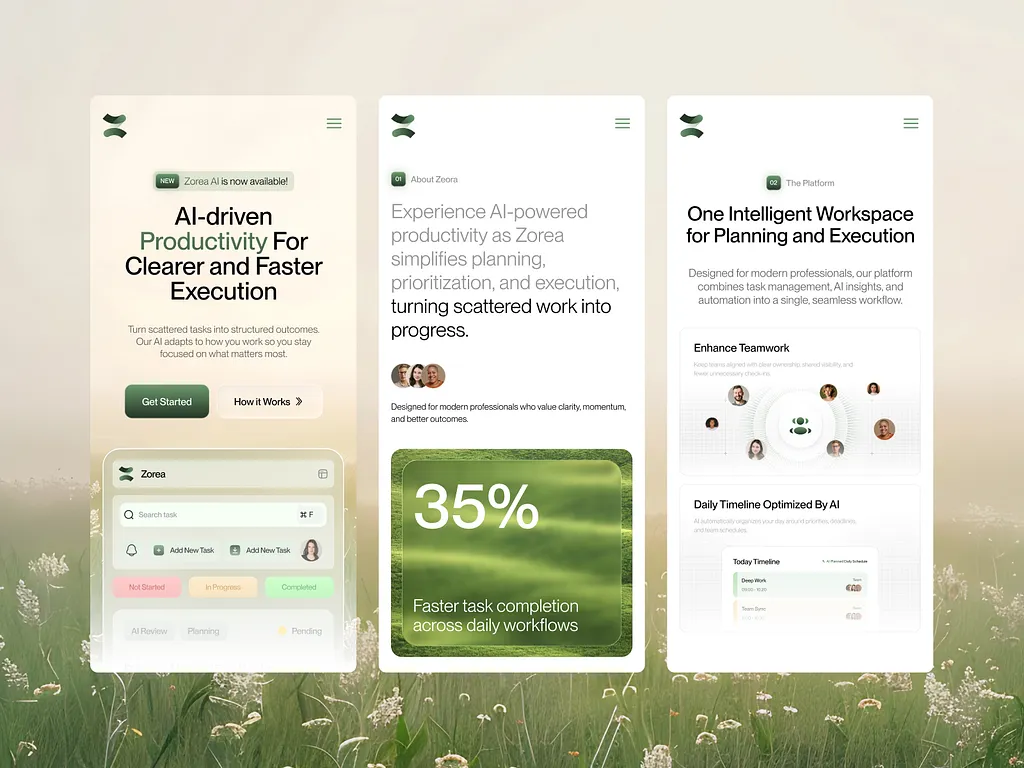
Does your website look good on mobile and tablets?
Most people visit websites on their phones. This check makes sure:
- Text is not too small
- Buttons are easy to tap
- Nothing is cut off
Why this check matters:
If users have to zoom or struggle to click on phones or tablets, they leave fast.
III. Page speed and performance testing
How fast does your website load?
This check answers:
- Does the page open fast?
- Does it freeze?
- Does it feel smooth?
Why this check matters:
Slow websites annoy people. Many users leave if a page takes more than a few seconds to load.
IV. Form submissions and validation
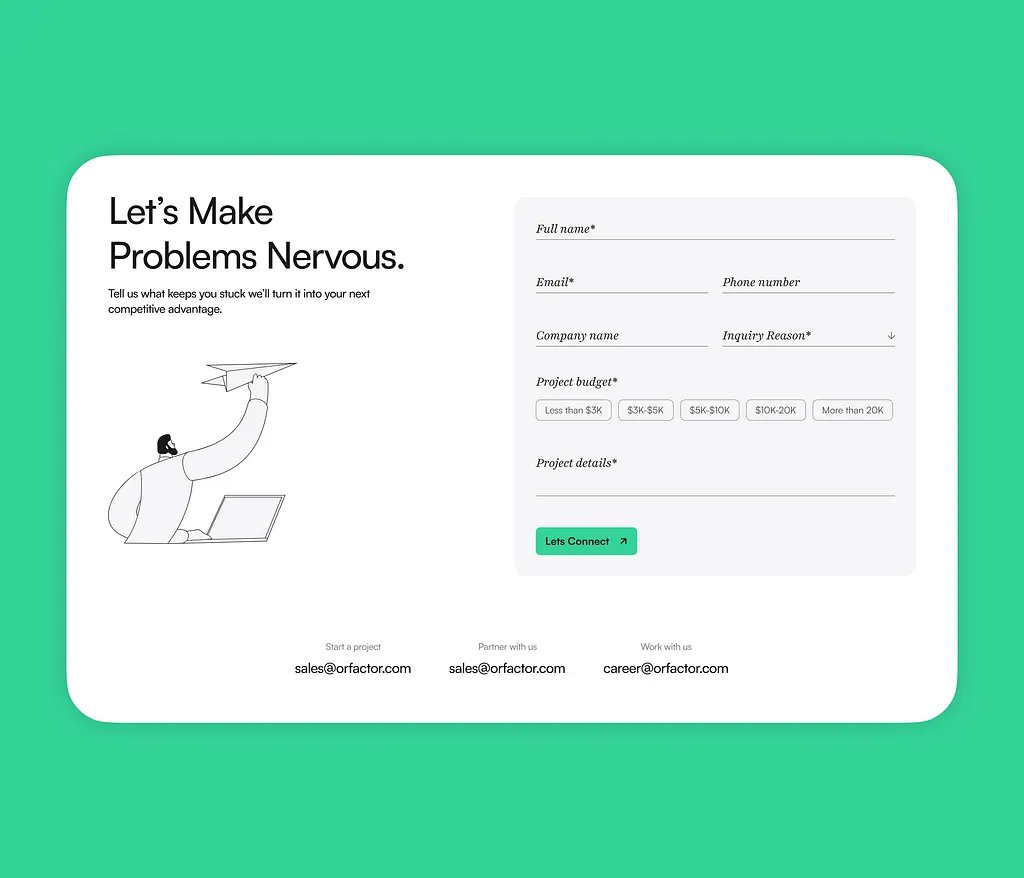
Do forms actually work?
This includes:
- Contact forms
- Sign-up forms
- Login forms
This check makes sure:
- Users can submit forms
- Messages are received
- Errors show when needed (like missing email)
Why this check matters:
If forms don’t work, people try to contact you… and fail.
V. Server, hosting, and DNS readiness
Is your website connected properly to the internet?
This is about:
- The server being live
- The domain name working
- The site not crashing under visitors
Why this check matters:
If this is wrong, your site may not open at all after launch.
2. UX QA checklist
(This is about “Is the website easy to use?”)
UX means user experience. In simple terms:
“Does this website feel good to use?”
Here are what to check:
I. Navigation clarity and consistency
Can people find what they’re looking for?
This checks:
- Menus make sense
- Pages are named clearly
- Navigation looks the same everywhere
Why this check matters:
If users feel lost, they leave.
II. Button visibility and clickable areas
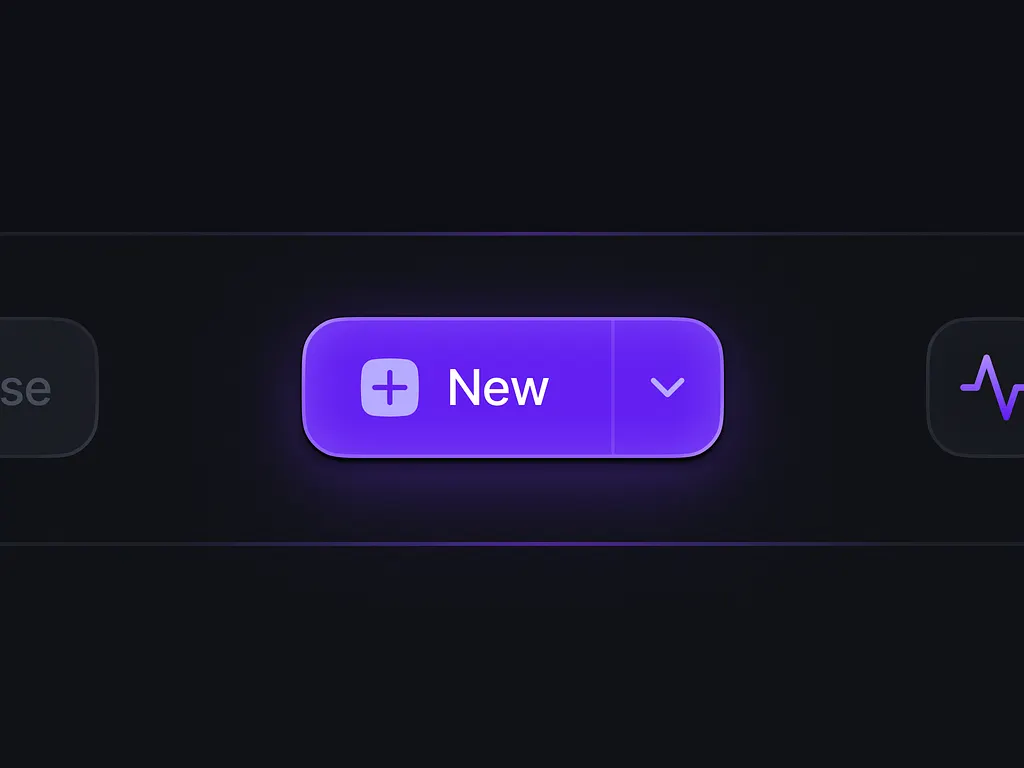
Can people easily see and click buttons?
This checks:
- Buttons are easy to spot
- Buttons are big enough
- Buttons actually work
Why this check matters:
If users can’t see where to click, they don’t take action.
III. User flow testing (key journeys)
Can users complete important actions smoothly?
Examples:
- Signing up
- Buying something
- Booking a service
This test walks through the site like a real user.
Why this check matters:
If one step breaks, the whole journey fails.
IV. Readability, spacing, and layout checks
Is the site easy to read and not crowded?
This checks:
- Text size is comfortable
- Lines are not too tight
- Pages don’t feel messy
Why this check matters:
Hard-to-read sites push people away.
V. Accessibility basics
Can everyone use the site, even with limits?
This checks:
- Text contrast (text vs background)
- Font size is readable
- Keyboard navigation works
Why this check matters:
Some users can’t use a mouse or see small text well. Your site should still work for them.
3. Content & SEO QA
(This is about “Can people find and understand your site?”)
This part checks words, structure, and search visibility.
Here are what to check:
I. Meta titles and meta descriptions
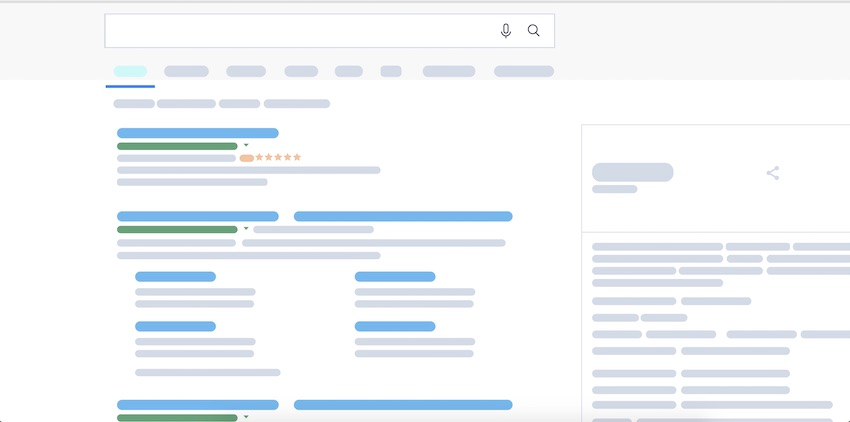
How your site appears on Google.
This checks:
- Page titles make sense
- Descriptions explain the page
Why this check matters:
These lines decide if people click your site on Google.
II. Heading structure (H1–H3)
Is your content organized clearly?
This checks:
- One main title per page
- Subheadings are used properly
Why this check matters:
Clear structure helps both readers and search engines.
III. Image optimization and alt text
Are images fast and described properly?
This checks:
- Images are not too heavy
- Images have text descriptions
Why this check matters:
Heavy images slow pages. Alt text helps search engines and screen readers.
IV. Internal linking review
Do pages connect to each other?
This checks:
- Important pages are linked
- Users can move around easily
Why this check matters:
Internal links guide users and improve SEO.
V. Sitemap and robots.txt validation
Can search engines understand your site?
This checks:
- Sitemap exists and works
- Important pages are not blocked
Why this check matters:
If search engines can’t read your site, you won’t rank.
4. Functional & regression testing
(This is about “Did anything break while updating?”
Here are what to check:
I. Core feature testing
Do the main features still work?
This checks:
- Logins
- Dashboards
- Forms
- Search
Why this check matters:
If core features fail, the site fails.
II. Regression testing for updated pages
Did fixing one thing break another?
Every update can cause problems elsewhere. This test checks old pages again.
Why this check matters:
Small changes can create big issues silently.
III. Third-party integrations
Do outside tools still work?
This includes:
- Google Analytics
- Email tools
- CRM systems
Why this check matters:
If these break, you lose data and leads.
IV. Payment gateways or checkout flows
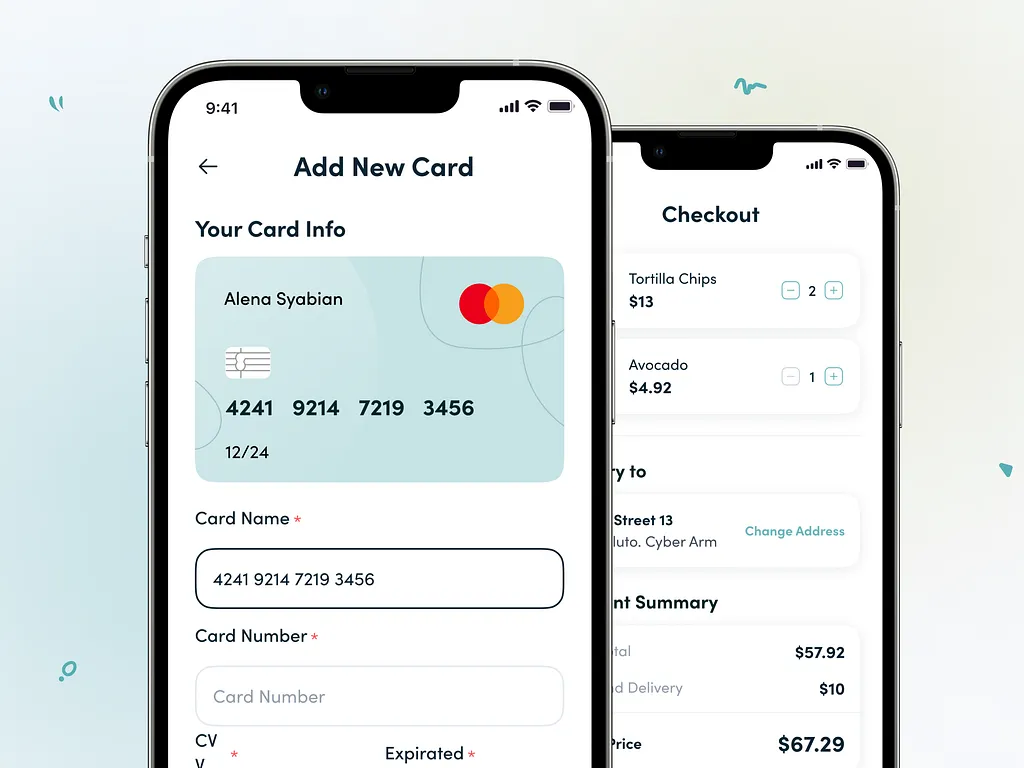
Can people pay without issues?
This checks:
- Payments go through
- Errors show clearly
- Confirmation works
Why this check matters:
Broken payments = lost money.
5. Security & compliance checks
(This is about “Is the site safe and legal?”)
Here are what to check:
I. SSL certificate validation
Is the site secure?
You know the lock icon in the browser?
This checks that.
Why this check matters:
Without it, browsers warn users not to trust your site.
II. Cookie consent and privacy policies
Does the site respect user data?
This checks:
- Cookie notices show
- Privacy pages exist
Why this check matters:
Some regions require this by law.
6. Launch readiness review
(This is the final “Are we ready?” check)
Here are what to check:
I. Client-facing reports
Clear proof of what was checked. This shows:
- What was tested
- What was fixed
- What passed
Why this check matters:
It builds trust and clarity.
II. Rollback and contingency planning
What if something goes wrong?
This plan answers:
- How to undo the launch
- How to fix issues fast
Why this check matters:
No launch is perfect. Being prepared saves stress.
Post-launch website checklist
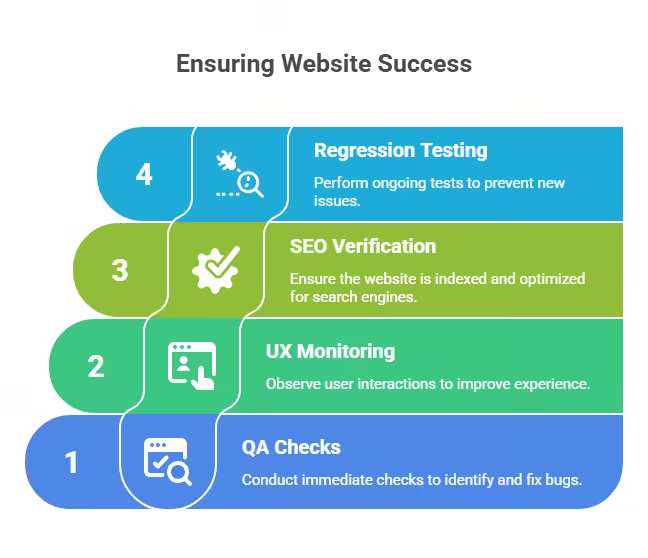
Launching a website feels like crossing the finish line.
You click “publish.” You share the link. You relax.
But here’s the truth most people learn the hard way:
A website can look perfect before launch and still break after launch. Why?
Because once the site goes live:
- Real people start using it
- Real devices load it
- Real data flows through it
This checklist is about watching the site after launch and fixing issues before they turn into problems.
Let’s break it down.
7. Immediate post-launch QA checks
(This is your first inspection after opening the doors)
Think of this like opening a new shop and watching the first customers walk in.
Here are what to check:
I. Live environment validation
Does the live website work the same way the test version did?
Before launch, the site lives in a test space. After launch, it moves to the real internet. This check makes sure:
- Pages load correctly
- Images show
- Buttons still work
Why this check matters:
Things can break during the move. If you don’t check, users will find the problems first.
II. Page speed comparison (test site vs live site)
Is the live site slower than the test site?
This compares:
- How fast pages loaded before launch
- How fast they load now
Why this check matters:
A site can be fast in testing and slow when live. Slow pages push people away without warning.
III. Broken links and redirects re-check
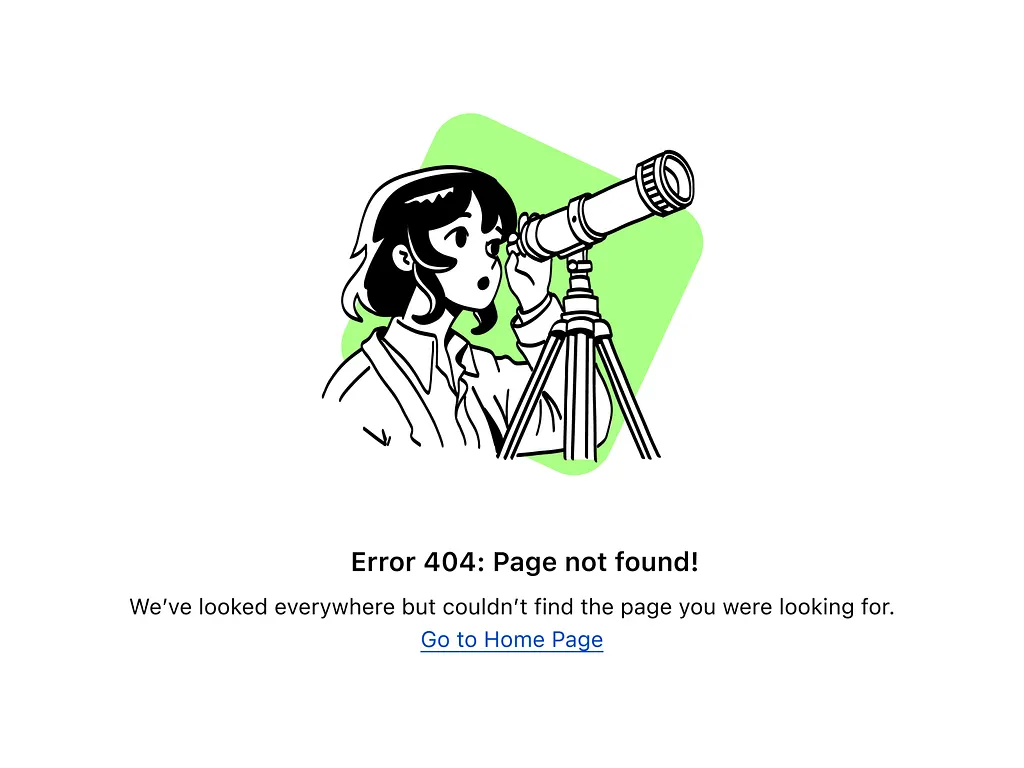
Do all links still lead to the right place?
After launch:
- Some links may break
- Old links may not redirect properly
This check finds:
- “Page not found” errors
- Wrong redirects
Why this check matters:
Broken links confuse users and hurt search traffic.
IV. Form and email notification testing
Do messages still reach you?
This checks:
- Contact forms
- Sign-up forms
- Email alerts
It confirms:
- Forms send messages
- Emails arrive in your inbox
Why this check matters:
If emails stop working, people contact you… and you never know.
8. Post-launch UX monitoring
(This is about watching how real people use the site)
Before launch, you guess how users will behave. After launch, you watch real behavior.
Here are what to check:
I. Heatmaps and session recordings
See where people click and scroll. This shows:
- What users click
- What they ignore
- Where they get stuck
You can watch visits like a replay.
Why this check matters:
Users don’t always behave how you expect. This helps you see the truth.
II. Bounce rate and drop-off analysis
Where do people leave the site?
This checks:
- Pages people leave fast (bounce rate)
- Steps where users quit (drop-off)
Why this check matters:
If many users leave at the same spot, something is wrong there.
III. Mobile UX validation on real devices

Does the site feel good on real phones?
This checks the site on:
Real phones. Real tablets. Not just emulators.
Why this check matters:
A site can look fine on a computer but feel bad on a phone. And most users are on phones.
9. SEO & indexing verification
(This is about making sure Google can see your site)
If Google can’t understand your site, people won’t find it.
Here are what to check:
I. Google Search Console setup

Connect your site to Google. This tool tells you:
- How Google sees your site
- If there are problems
Why this check matters:
Without this, you’re blind to search issues.
II. Indexing and crawl errors
Can Google read your pages?
This checks:
- Pages Google can’t open
- Pages blocked by mistake
Why this check matters:
If Google can’t read a page, it won’t show it in search results.
III. Redirect validation
Do old links send users to the right new pages?
This checks:
Old and new URLs.
It makes sure visitors don’t hit dead ends.
Why this check matters:
Bad redirects lose traffic and trust.
IV. Canonical and duplicate content checks
Is Google seeing one clear version of each page?
This checks:
- Duplicate pages
- Confusing page versions
Why this check matters:
Too many copies confuse Google and hurt rankings.
10. Ongoing regression testing
(This is about keeping the site healthy over time)
A website is not “done.” It changes. It updates. It grows.
Here are what to check:
I. Monitoring for post-deployment bugs
Watch for new problems after launch.
This includes:
- Errors showing up
- Features breaking slowly
Why this check matters:
Some issues appear days or weeks later.
II. Feature behavior after updates
Do features still work after changes?
Every update can affect:
- Buttons
- Forms
- Pages
This check confirms nothing broke.
Why this check matters:
Fixing one thing can break another quietly.
III. CMS and plugin update testing
Do updates cause problems?
Most sites use:
A content system and extra tools. Updates can cause conflicts.
Why this check matters:
One bad update can crash the whole site.
Wrapping up
Launching a website is exciting. But it’s also where many websites quietly fail. Pages break, forms stop working, and small issues turn into big losses after launch.
This website launch checklist shows you what to check before and after launch, so nothing slips through the cracks in 2026.
If you’re an agency that wants stress-free launches without extra hires, Block Agency builds and checks WordPress websites for you as a white-label partner.
Talk to us here: hey@blockagency.co
Frequently asked questions
What is a website launch checklist?
A website launch checklist is a step-by-step list used to make sure a website works well before and after it goes live. It helps catch broken links, slow pages, form errors, and user problems so visitors have a smooth experience from day one.
What is the difference between pre-launch and post-launch QA?
Pre-launch QA checks the site before it goes live to prevent problems. Post-launch QA checks the live site after launch to catch issues caused by real users, live servers, or updates that did not show up during testing.
What should be tested right after a website goes live?
Right after launch, the live site should be checked for page speed, broken links, forms, email alerts, and redirects. These checks confirm the site works the same way it did during testing and nothing broke during launch.
How often should post-launch QA be done?
Post-launch QA should start right after launch and continue regularly. It is best to review the site after updates, content changes, or tool updates. Ongoing checks help catch problems early before they affect users or sales.