Looking to create a website or app that looks professional, consistent, and easy to build?
You’re probably searching for the best design system services to help your team save time and stay organized, right?
Without the right system, teams end up redesigning the same buttons, forms, and pages over and over. Pages look different, mistakes happen, and projects take longer than they should.
In this blog post, you’ll…
- Discover the top 10 agencies offering design system services. We break down who they are, who they serve, and what makes them stand out.
- See which agency fits your needs, whether you want fast delivery, a full component library, or a complete UI kit design.
But before we dive in, if you’re still confused about what a design system actually is, here’s a simple explanation…
In this article
What is a design system?
A design system is a collection of buttons, colors, fonts, spacing, and layout rules that a team agrees to use again and again.
Instead of redesigning everything from scratch, designers and developers reuse these ready-made parts.
For example, companies like Google (Material Design) and IBM have design systems so all their apps and websites look and feel the same.
Think of it like LEGO pieces. You don’t build new bricks every time. You reuse the same ones to build faster… and keep everything consistent.
Now, which agencies are best at designing a professional design system?
Best agencies offering design system services
1. Block Agency
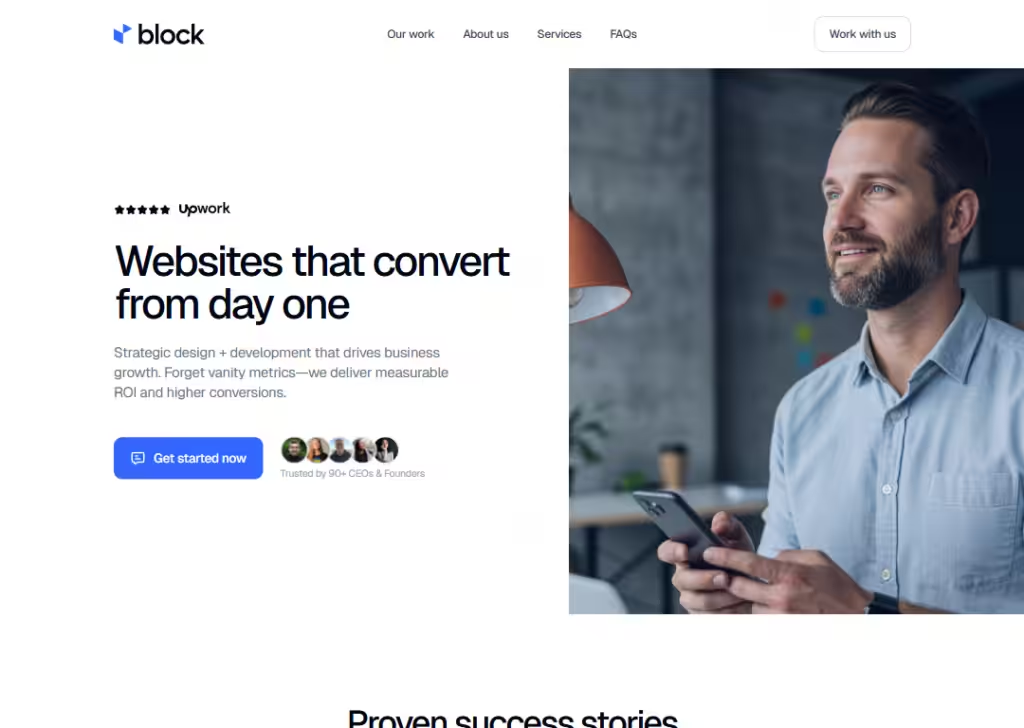
At Block Agency, we build design systems for agencies.
We know agencies want websites and landing pages that look great, feel right, and work fast. So we create design systems that make repeated design work easier, consistent, and fast to deliver.
We also do everything else you need… UI/UX design, WordPress development, and high-conversion copywriting… with senior pros working async so quality is high and delivery is fast.
Pros of working with us
- Fast delivery with senior designers and developers.
- Full service beyond just design systems.
- We get agency workflows and help you scale.
Cons of working with us
- We focus on agency clients, not solo startups.
- Not tailored for huge enterprise internal tools.
Best for: Agencies that want a full design partner, not just a design system builder.
Reach out to us here: hey@blockagency.co
2. Headway
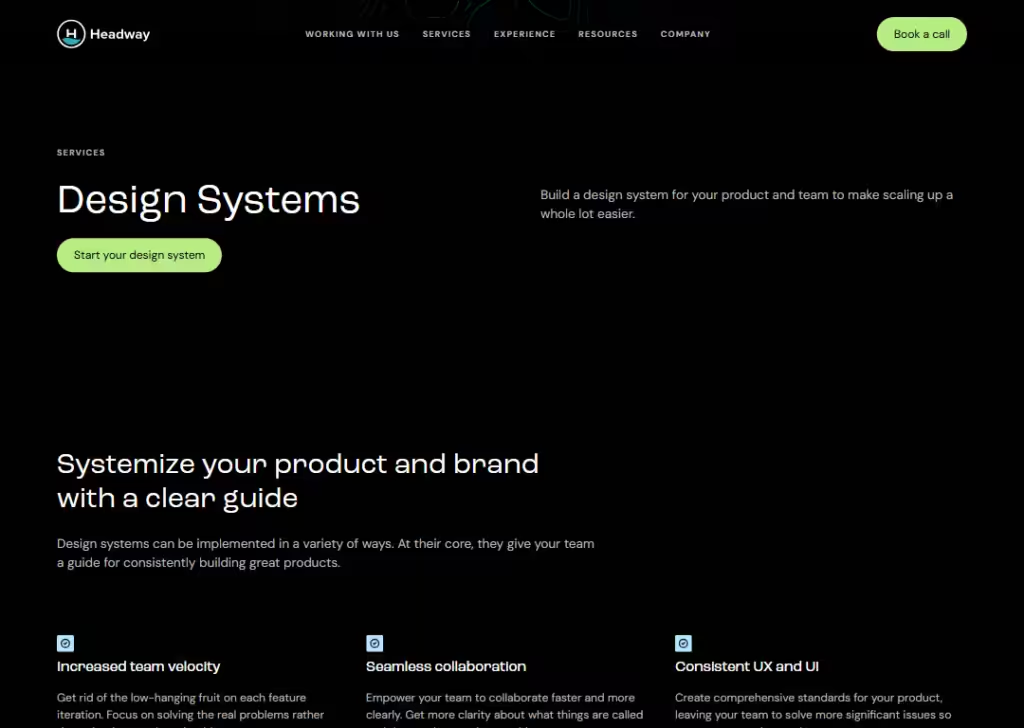
Headway helps teams build and roll out design systems that give clear rules and reusable components.
They work in phases… starting with learning your product, then crafting system pieces, and finally helping your team use it.
They also offer training so your own team can learn how a design system works.
Pros of working with them
- They train your team as they build the system.
- Good for long-term in-house adoption.
- Focus on clear documentation and team collaboration.
Cons of working with them
- Process may be slower than a plug-and-play service.
- More suited for internal teams than agency partners.
Best for: Organizations that want internal buy-in and team learning alongside the system.
3. CodeTheorem
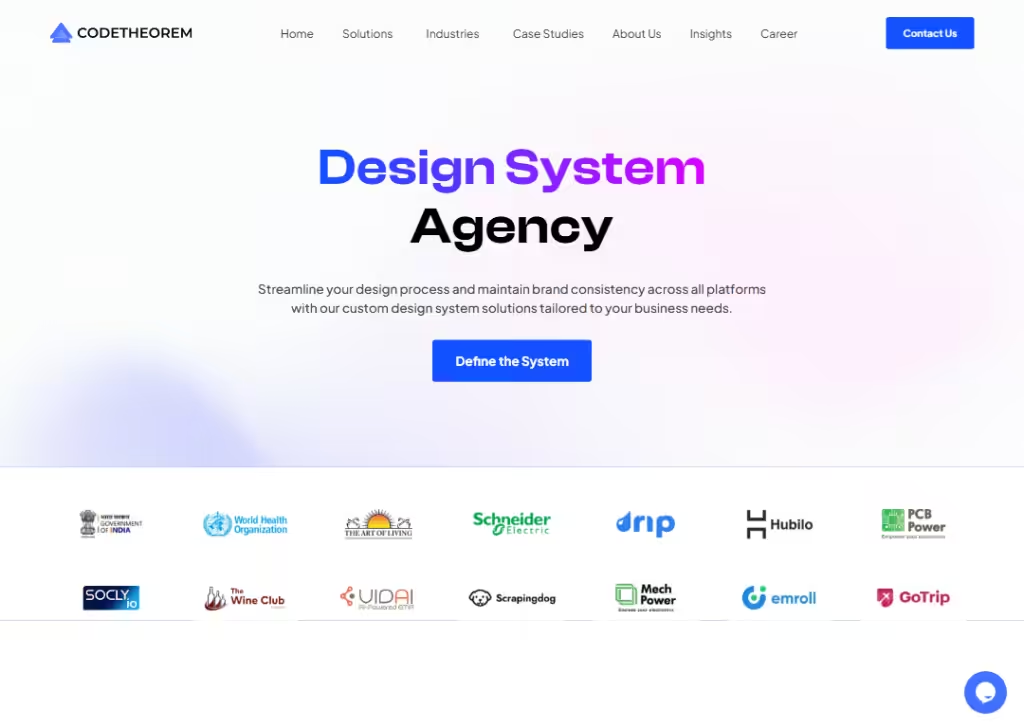
CodeTheorem builds design systems with reusable pieces and solid documentation so teams don’t keep reinventing the wheel.
They start with an audit to find design gaps, define visual rules, build components, and document guidelines. This makes design work consistent and easier to scale.
Pros of working with them
- Detailed strategy from audit to rollout.
- Clear documentation included.
- Helps teams save time and improve consistency.
Cons of working with them
- More focus on comprehensive system building than fast delivery.
- Might be too heavy for small or quick projects.
Best for: Teams that want deep structure and consistent design across products.
4. Impekable
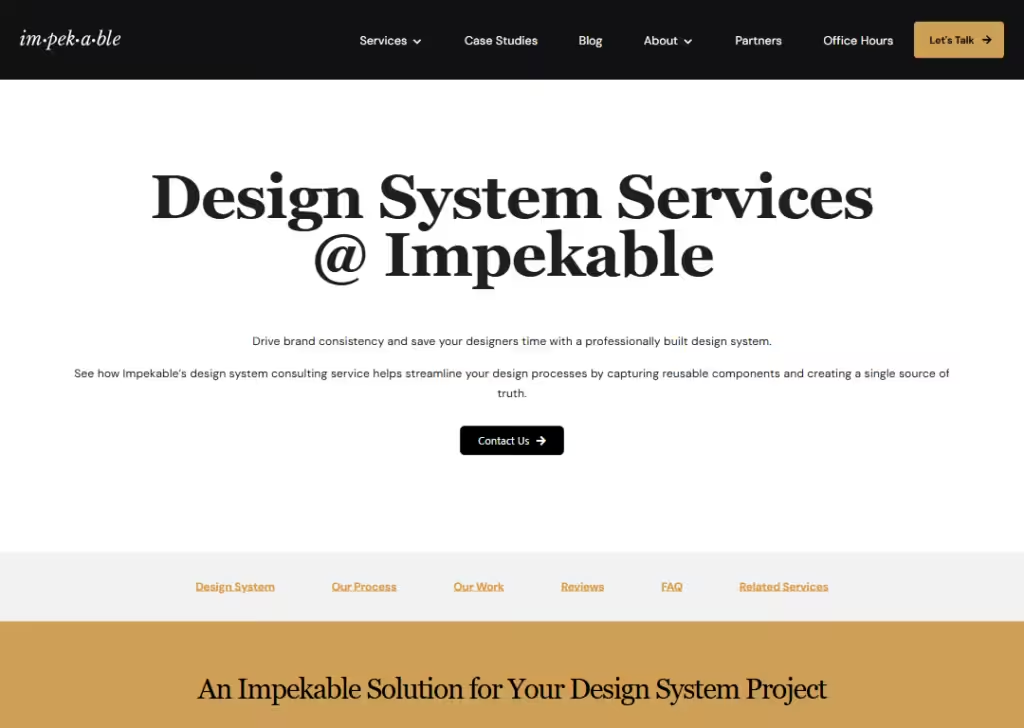
Impekable builds design systems that capture reusable UI elements, style rules, and guidelines in one place.
They often start by understanding your current work, then improving or building new elements that fit your needs.
They also help train and maintain the system so it stays useful over time.
Pros of working with them
- Works well with large and complex design systems.
- Offers training and maintenance support.
- Proven with big brands and broad use cases.
Cons of working with them
- Might be more than some teams need.
- Focus is broader than just design systems… includes other design work.
Best for: Medium to large teams that want a system built and kept up-to-date.
5. UIDesignz
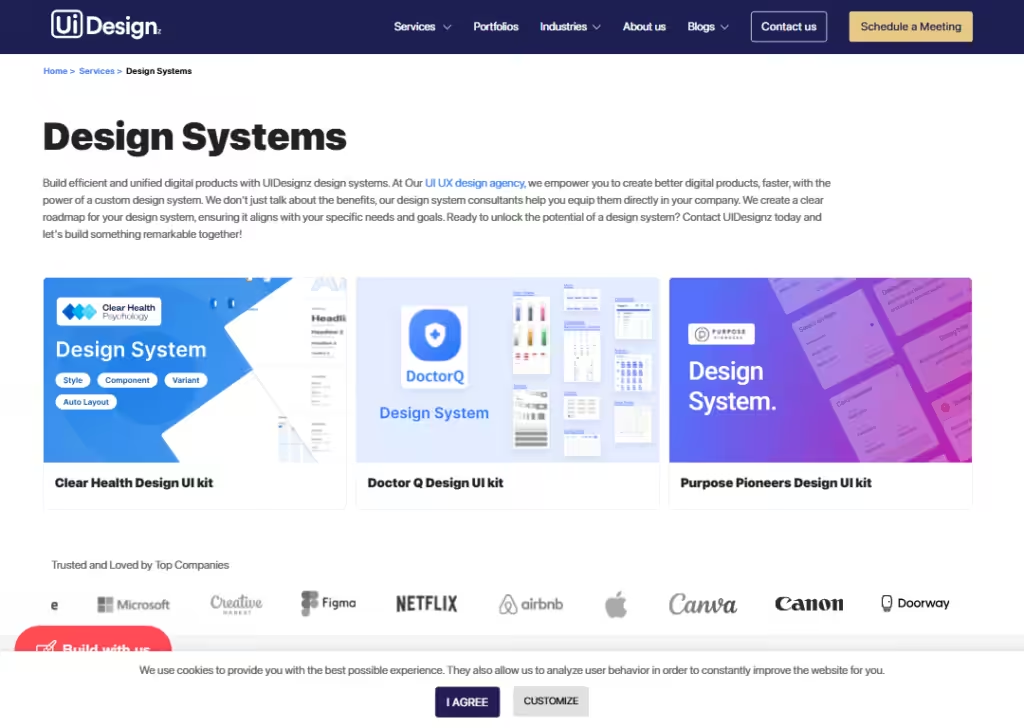
UIDesignz creates design systems that give teams a clear visual framework for products.
They help you define reusable components and write simple guides so your design and development teams work better together.
Their system services tie into their wider design work like UI/UX and web design.
Pros of working with them
- Combines system building with UI/UX expertise.
- Offers documentation and measurement of success.
- Works with startup to enterprise brands.
Cons of working with them
- Messaging is high-level and not deeply specific to strict system workflows.
- Might include extra services you don’t need.
Best for: Teams that want a system tied to broader design strategy and long-term consistency.
6. COBE Is Fresh
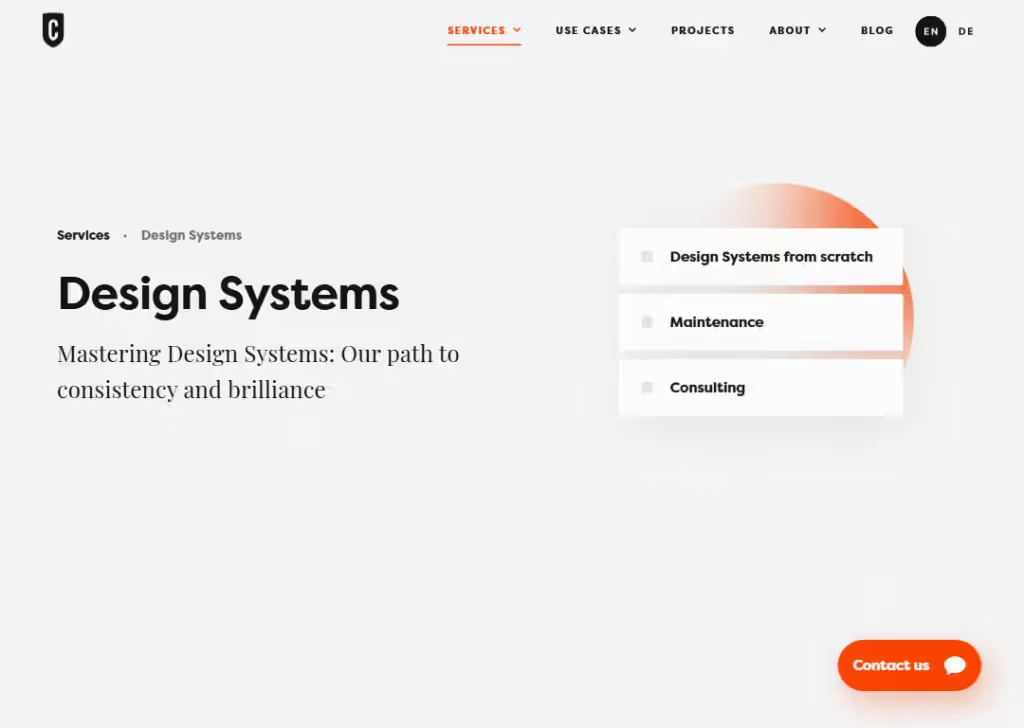
COBE builds design systems from scratch and also maintains or improve existing ones.
They tailor everything to your brand’s look and feel, with guidelines, components, and tools that work across screens and teams.
Their service also includes consulting so your own team can keep the system useful long term.
Pros of working with them
- Custom-made systems that match your brand.
- They do maintenance and consulting too.
- Focus on style guides and component libraries that scale.
Cons of working with them
- Less focused on webflow/WordPress only support.
- Smaller team vs global giants.
Best for: Teams that want a brand-centric, full design system with ongoing support.
7. COAXsoft
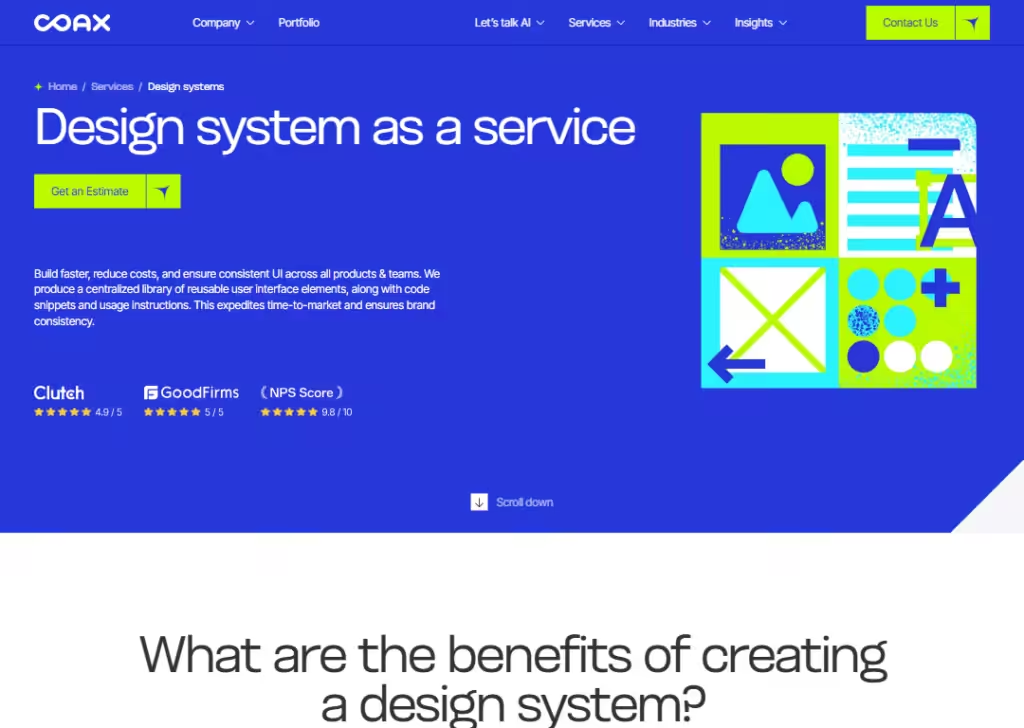
COAX builds design systems that include shared rules and reusable pieces for UI.
They help teams speed up delivery and make consistent interfaces. They include docs and tools so designers and developers know how to use everything.
Pros of working with them
- Very detailed, covers docs, components, and deployment.
- They help implementation too… not just design.
- Good for larger, technical workflows.
Cons of working with them
- More engineering-heavy that design-only.
- Not focused mainly on agency workflows.
Best for: Teams needing technical system integration across platforms.
8. Ramotion
Ramotion creates design systems that work for big products and brands.
They build reusable pieces, style rules, and docs so teams can design and ship fast with consistent branding.
Pros of working with them
- Works with startups to big brands alike.
- Includes strategy, onboarding, and training.
- Great documentation and long-term support.
Cons of working with them
- Bigger and more formal process.
- Can be pricier for small business needs.
Best for: Teams that want well-structured systems with strategy & governance.
9. Fuselab Creative
Fuselab builds design systems that combine visual language with coded components and docs.
Their focus is on consistency, efficiency, and scaling design work.
Pros of working with them
- Good mix of design + code focus.
- Aims for systems that really streamline future design work.
Cons of working with them
- Process feels more like enterprise build than quick agency hack.
- Not focused on agency partner workflows.
Best for: Teams that want scalable systems tied to product growth.
10. Octet Design
Octet offers design system services as part of their broader UI/UX design work.
They help integrate the system into your workflow, update it over time, and tailor everything to your brand and goals.
Pros of working with them
- Tailored solutions based on your goals.
- Team focuses on quality and testing.
- Works with industry clients on systems + UI/UX.
Cons of working with them
- Not delivery-fast by default.
- Smaller emphasis on documentation vs tech build.
Best for: Teams who want design-first systems with hands-on support.
Design system core elements: What you should expect to receive
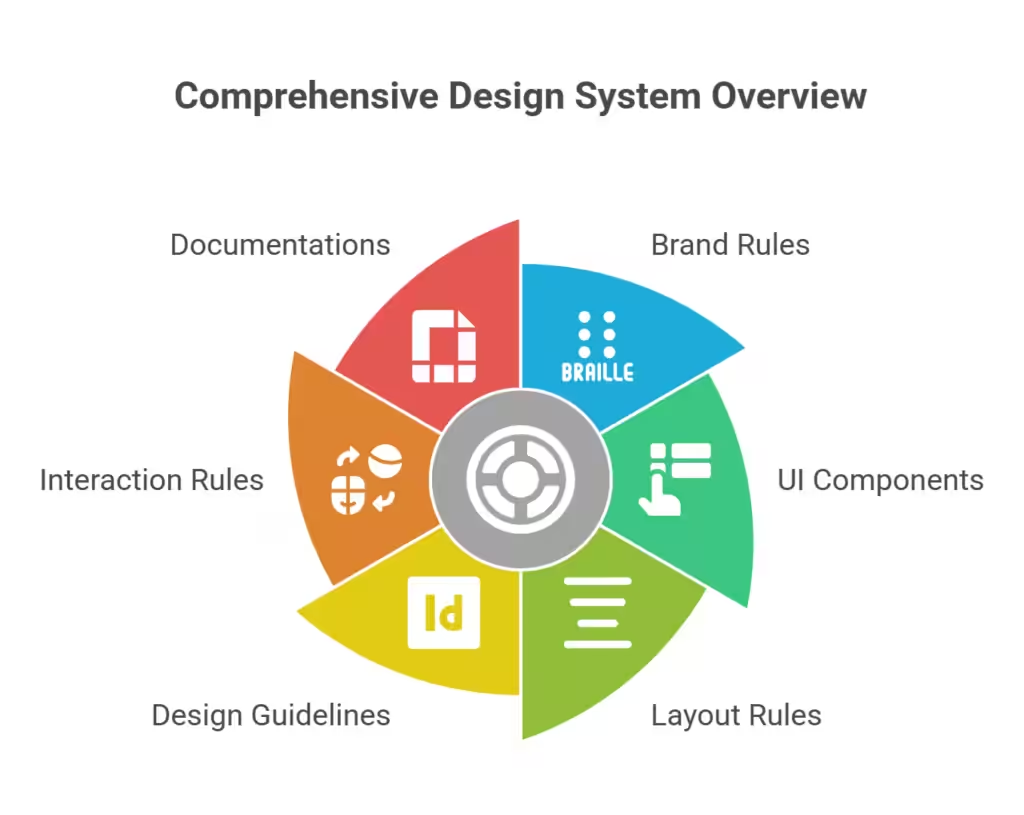
Let’s say you have picked a team and paid them to build a design system for your website or product.
What exactly should they give you?
1. Brand rules
This is the foundation. It includes your:
- Colors (primary, secondary, background, text colors)
- Fonts (headings, body text, sizes)
- Spacing (how much space between sections, buttons, text)
- Logo rules (how to use it, how not to use it)
- Tone (how your brand “sounds” in words)
Think of this as your brand’s rulebook. Without brand rules, every designer might choose slightly different colors or fonts. Over time, your website starts looking messy.
Brand rules make sure everything looks like it belongs together.
2. UI components
Now we move to the practical parts.
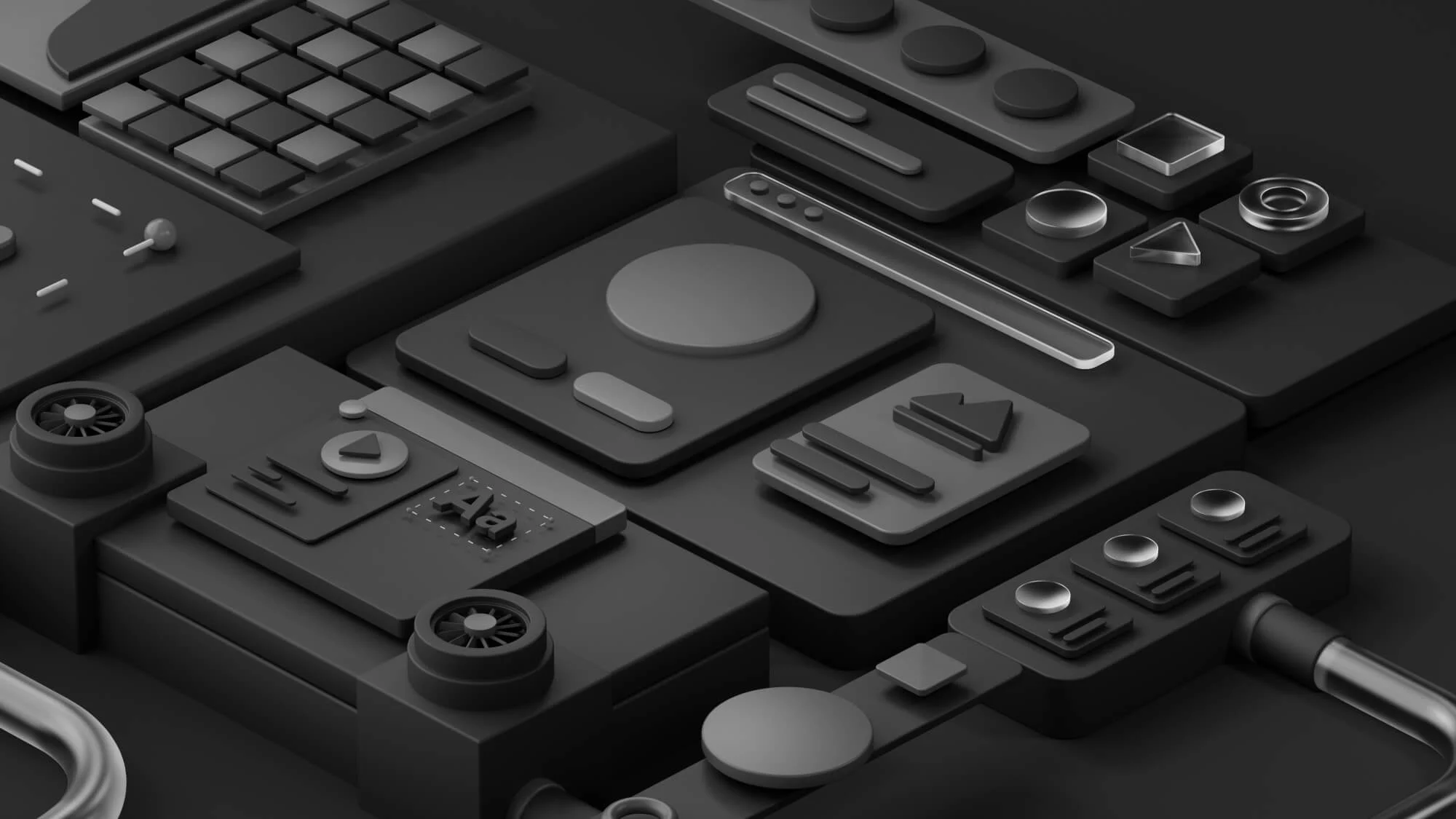
UI components are reusable pieces like:
- Buttons
- Forms
- Input fields
- Cards
- Menus
- Tabs
- Alerts
- Modals
Instead of redesigning these every time, they are saved inside a component library.
A component library is like a storage room of ready-made pieces. If you need a button, you don’t design a new one. You grab it from the library. This saves time.
It also keeps everything consistent.
When people talk about a UI kit design, this is often what they mean… a full set of ready-to-use interface parts that follow your brand rules.
So when you receive a design system, you should expect:
- Different button styles (primary, secondary, disabled)
- Form styles (normal state, error state, success state)
- Card layouts
- Navigation styles
- Dropdown styles
All designed once, reused forever.
3. Layout rules
Now imagine you have buttons and forms. Where do they go?
That’s where layout rules come in.
Layout rules explain:
- How wide your content should be
- How many columns your page uses
- How much space sits between sections
- How text and images align
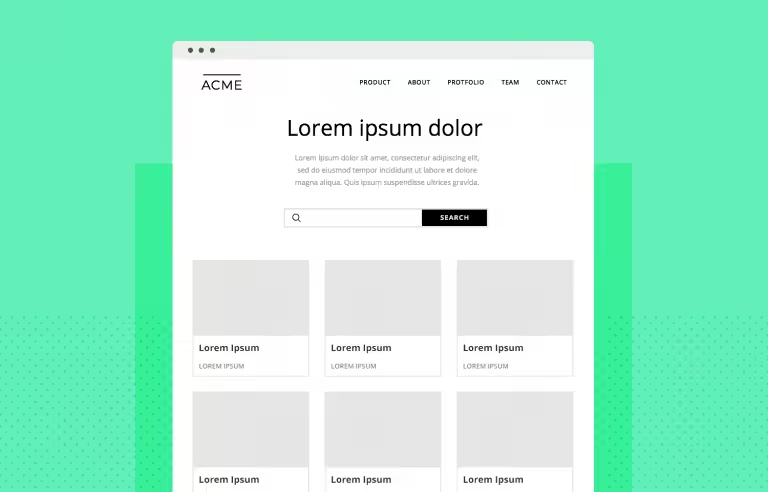
Most design systems include something called a grid. A grid is an invisible structure that keeps things aligned and balanced.
Without layout rules, pages feel uneven and random. With layout rules, everything feels clean and organized.
This is what makes a website look “professional”… even if users don’t know why.
4. Design guidelines
Having components is not enough. You must also know when to use them.
Design guidelines explain:
- When to use a primary button vs secondary button
- When to use a modal vs a new page
- When to use a card layout
- When to keep things simple
For example:
Primary buttons are for main actions. Secondary buttons are for less important actions. If someone uses five primary buttons on one page, users get confused.
Guidelines prevent that. They protect your brand from bad decisions.
Think of it like traffic rules. The components are the cars. The guidelines are the road rules. Without road rules, it’s chaos.
5. Interaction rules
Websites are not static anymore. Things move.
Buttons change when you hover. Forms show errors. Menus open and close.
Interaction rules define:
- What happens when someone hovers over a button
- What happens when a form has an error
- How dropdowns open
- How animations behave
- How loading states appear
These small details matter more than people think. If every button reacts differently, users feel something is “off.”
But when interactions are consistent, the experience feels smooth.
Good interaction rules make your product feel polished.
6. Documentation
This is the part many people ignore. But it’s very important.
Documentation means clear instructions. It explains:
- How to use the component library
- Where to find components
- The exact colors and font codes
- Spacing numbers
- Rules developers should follow
Without documentation, the design system becomes useless over time. Why?
Because new designers join. New developers join. People forget the rules.
Documentation keeps everyone aligned. It saves meetings, reduces back-and-forth, and helps your team move faster.
Wrapping up
These top 10 agencies make building a design system simple and stress-free.
Whether you need a component library, a UI kit design, or full guidance on brand rules and layouts, these agencies have you covered.
The right design system means faster work, consistent pages, and happier teams.
Pick one that fits your needs (fast delivery, agency-friendly workflow, or deep internal training).
Frequently asked questions
What is the difference between a design system and a style guide?
A style guide shows brand colors, fonts, and logos. A design system goes further… it includes reusable components, UI kit design, layouts, interaction rules, and documentation. Design system provide everything needed to build consistent digital products efficiently.
Can design system speed up website development?
Yes. With a component library and UI kit design, developers don’t recreate buttons, forms, or menus each time. Everything is ready to use. Design system save hours of work, reduce errors, and ensure consistent layouts and styles across pages.
How long does it take to finish a design system?
The timeline depends on project size and complexity. Small projects with a few components can take a couple of weeks, while large enterprise systems may take a few months. Agencies offering design system services usually provide fast delivery with experienced designers and developers who follow structured workflows for efficiency.
Are design system services suitable for small businesses?
Yes, even small businesses benefit from design system services. A simple design system helps maintain brand consistency across websites, landing pages, and apps. It saves time and reduces errors. Small businesses can start with a basic component library and expand their design system as their products and team grow.